Title here
Summary here
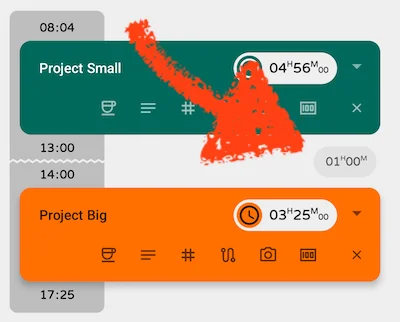
Fixed the break between records in the timeline using the wrong start and end times
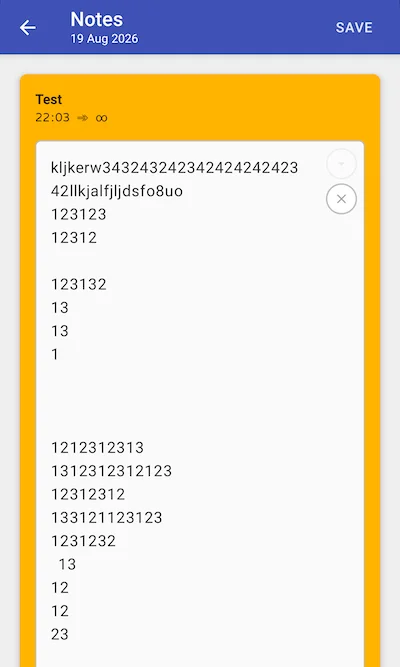
Improved handling of large notes
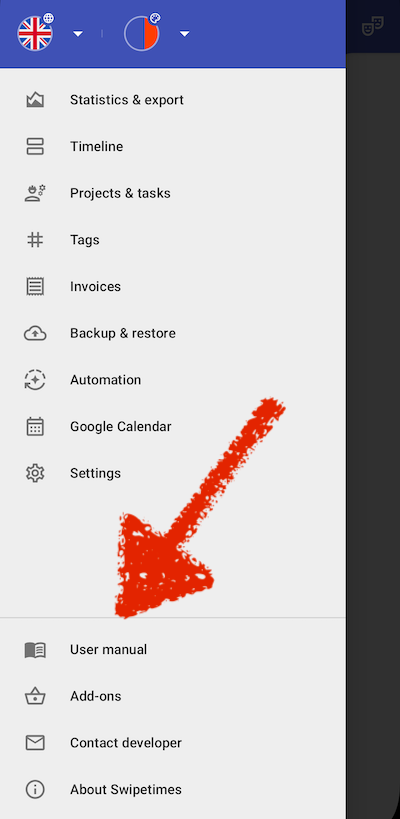
Online user manual and FAQ
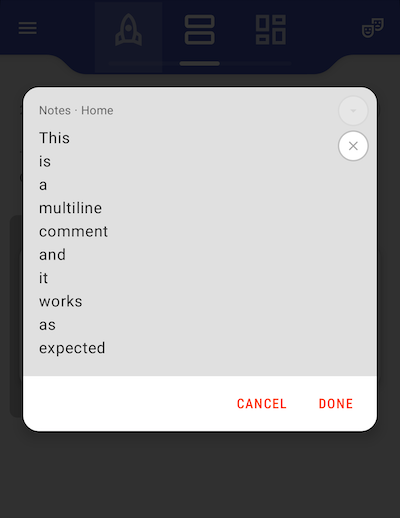
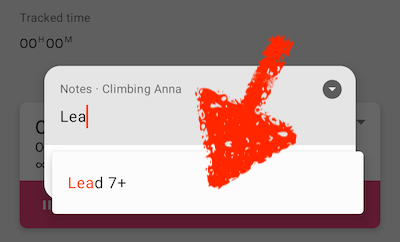
Fixed a layout bug in the notes dialog
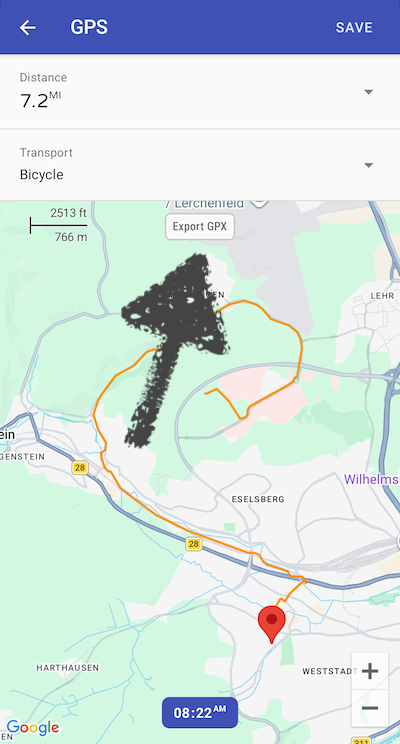
GPX export — export and share your tracked routes as GPX files
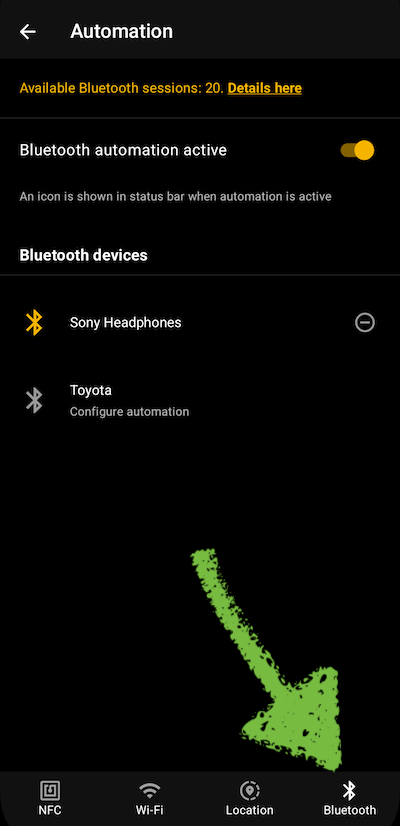
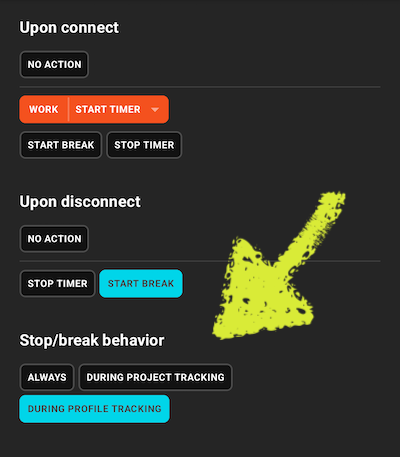
Bluetooth automation — trigger actions when connecting to or disconnecting from a Bluetooth device
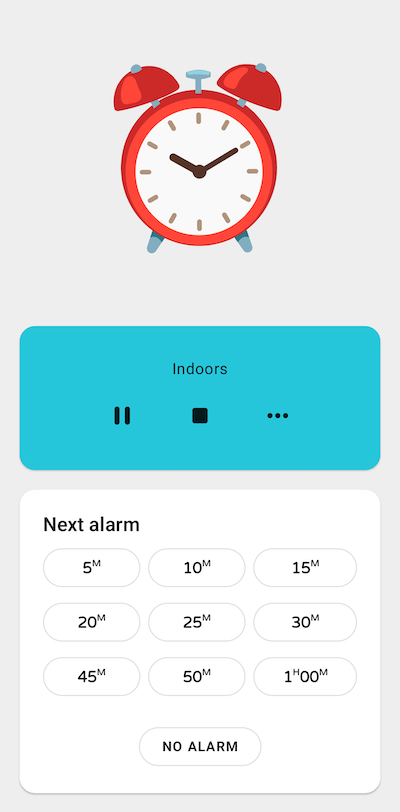
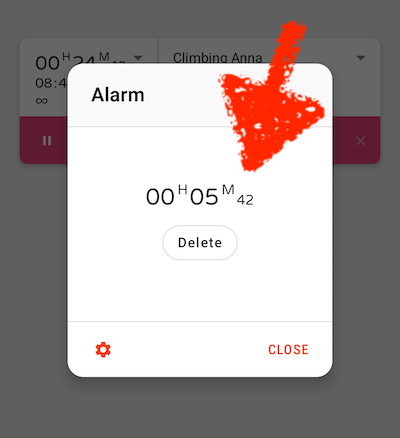
Redesigned alarm screen — pause/resume, stop, or switch projects right from the alarm
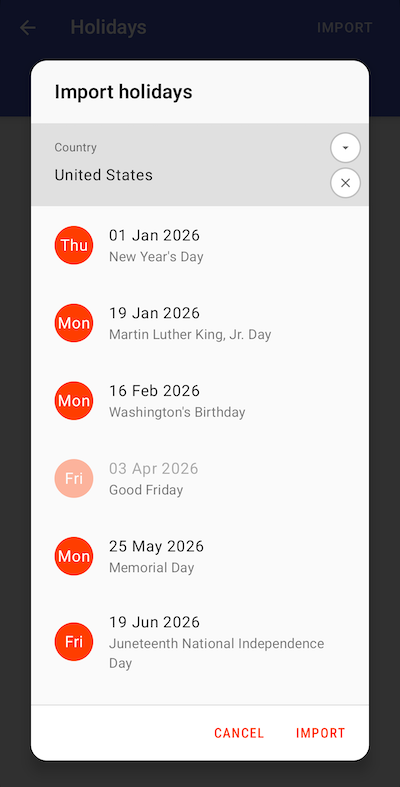
Import public holidays into your holiday calendar
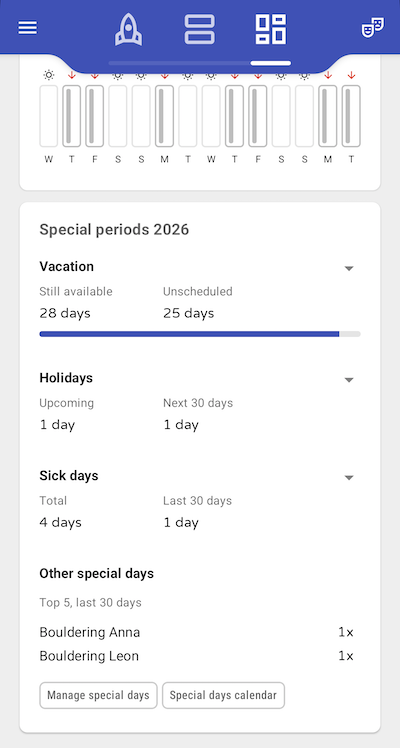
Improved statistics overview of special periods (vacation, holidays, sick days) on the start page
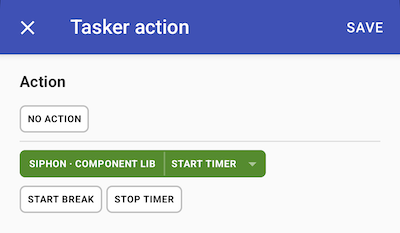
Tasker integration reworked — existing Tasker configurations need to be set up again
Bug fixes
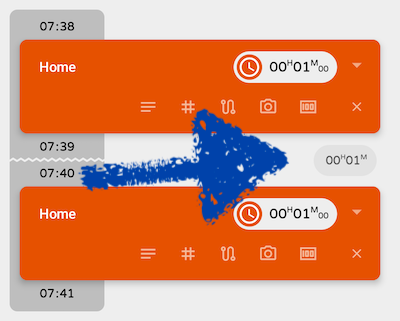
Break times are back
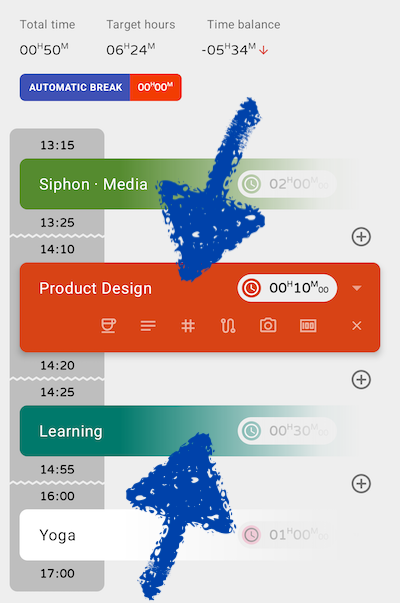
Completely redesigned timeline
Timestamps moved left, outside the cards Segmented design visually indicates time gaps
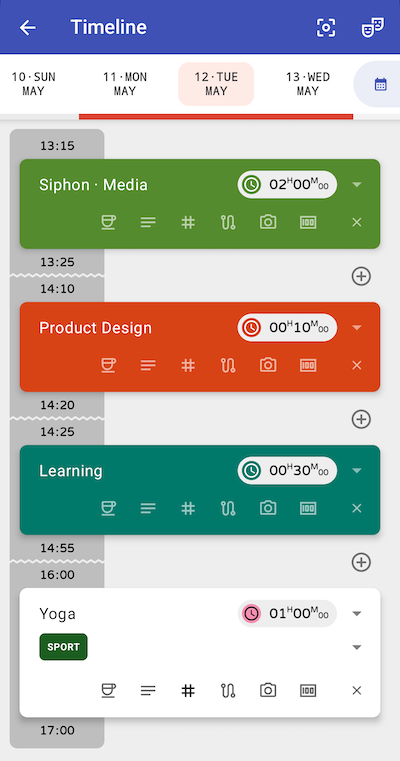
Inactive cards fade out when filtering for focused projects
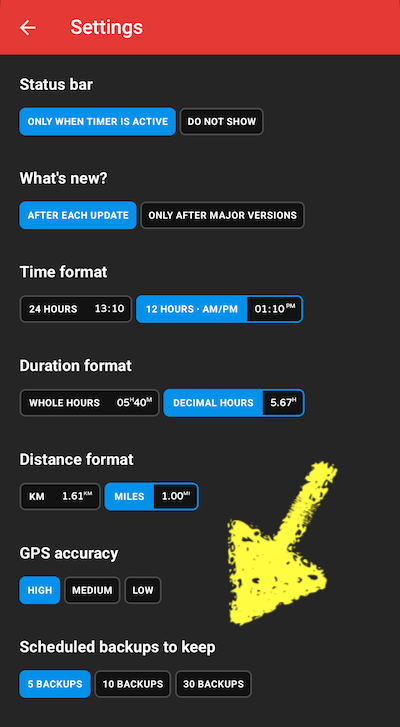
Add option to automatically clean up old backups
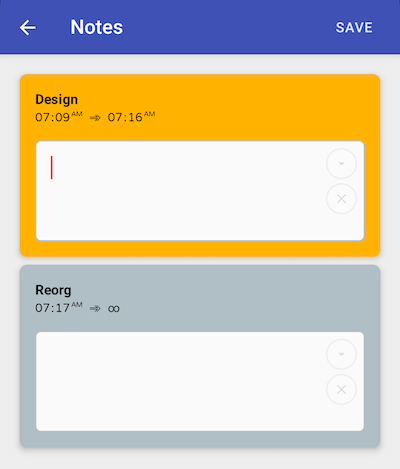
New view for bulk editing and quick saving of all comments for a single day
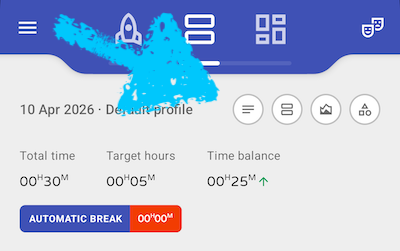
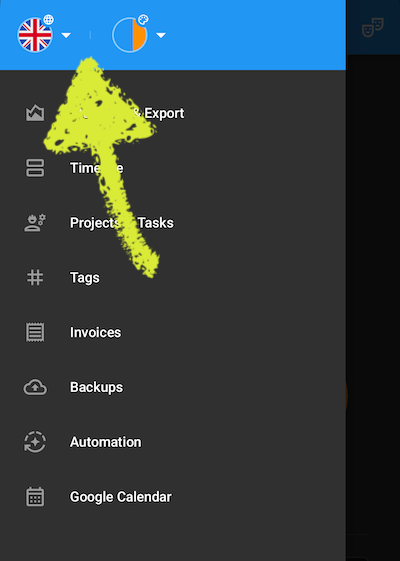
New language and theme switcher
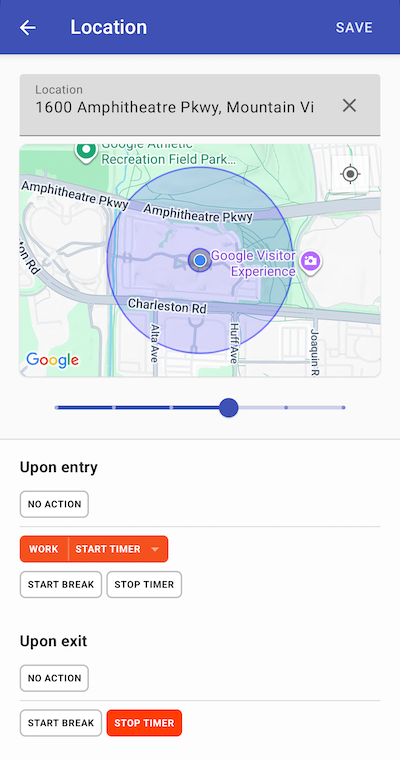
More options for Wi-Fi and location automation
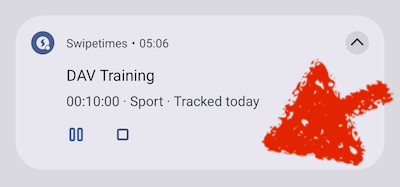
New notification icons
Rework of the automatic time tracking
Visual feedback when tracking is started via NFC

Improved automation settings screen
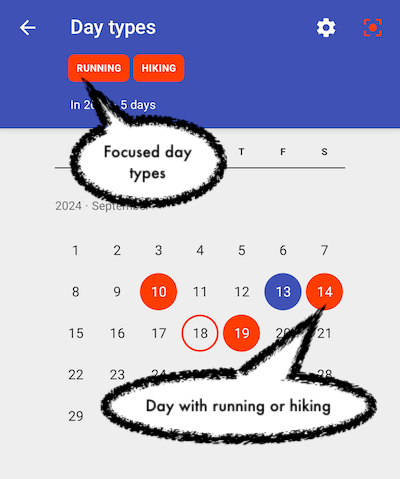
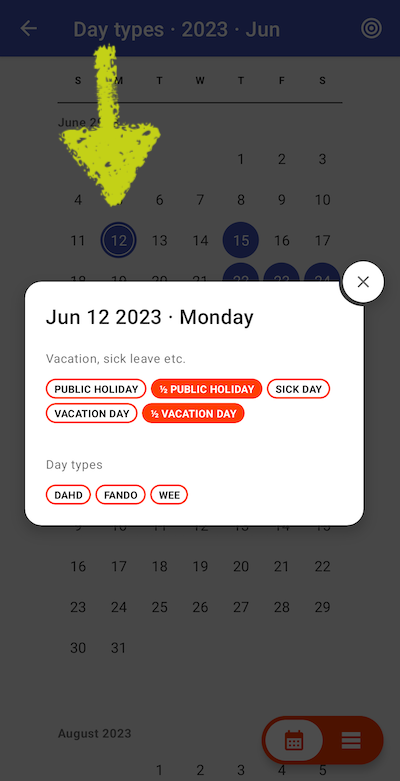
Major day type improvements
Configure a day type color and how the day type affects the target time
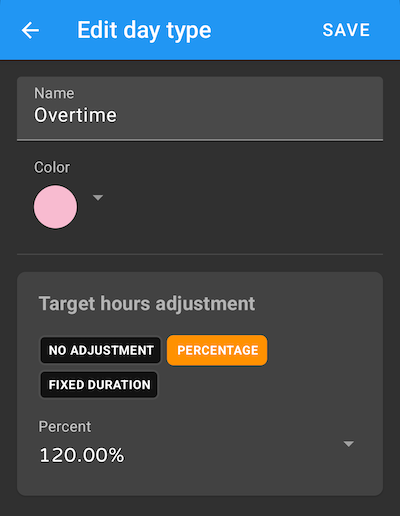
Set day types even faster: focus one and tap the corresponding days in the calendar
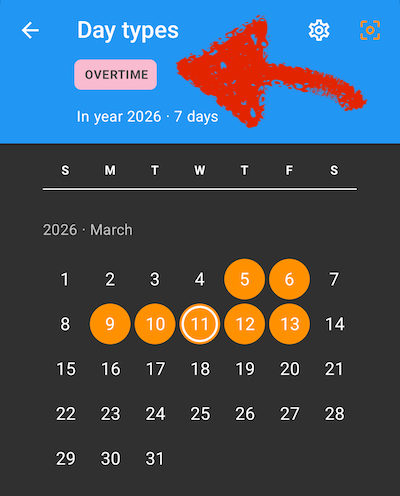
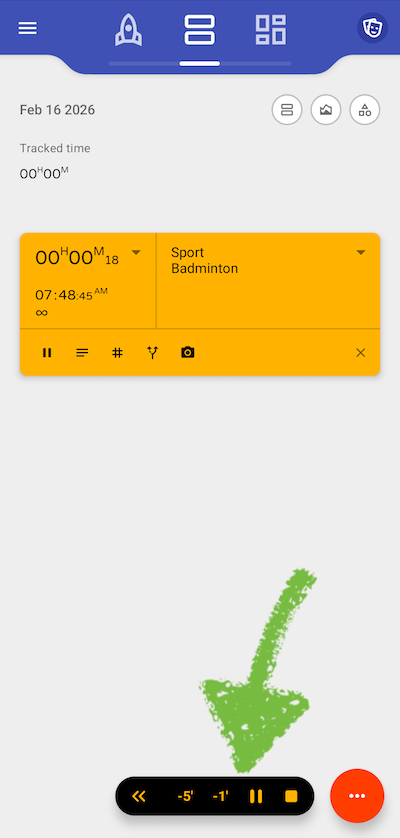
Redesign of the alarm screen
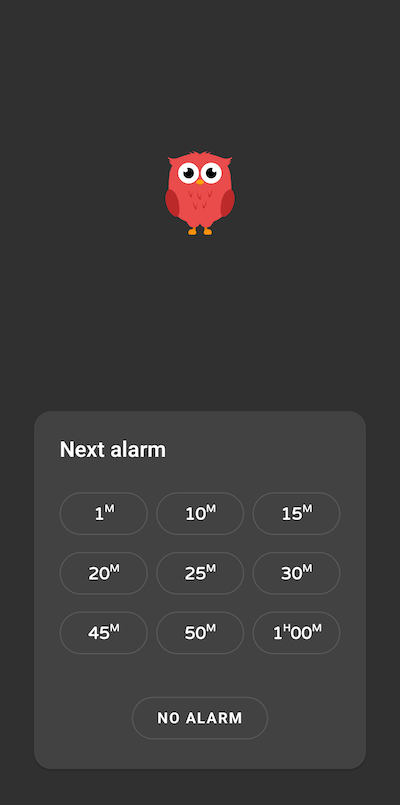
Jump directly to the project settings
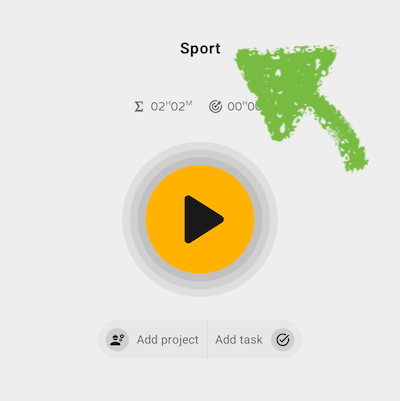
Simplified task switching
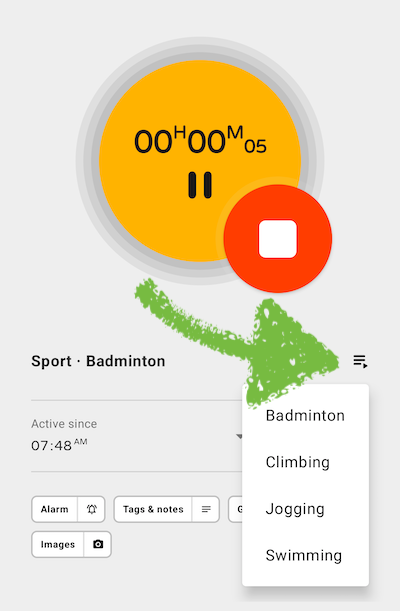
Quick controls in one project mode
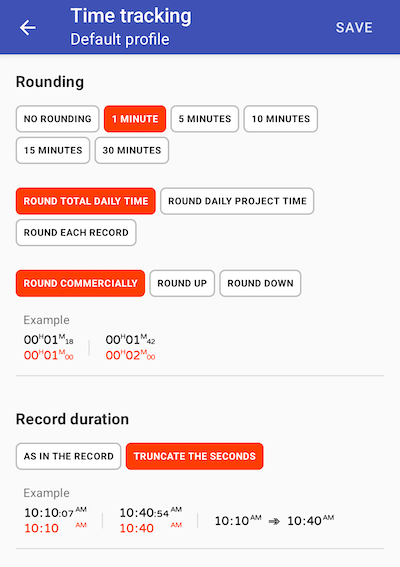
Redesign of the time tracking settings
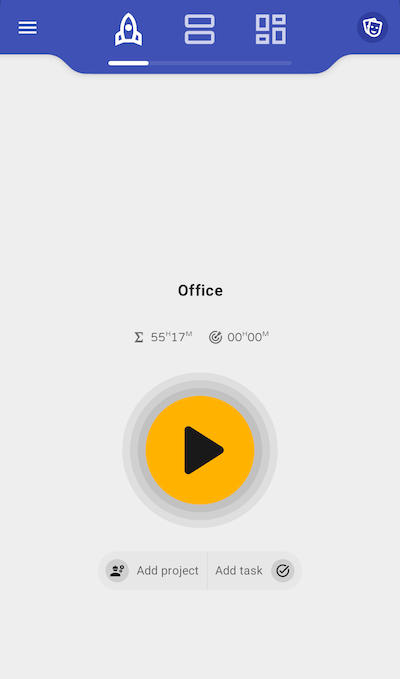
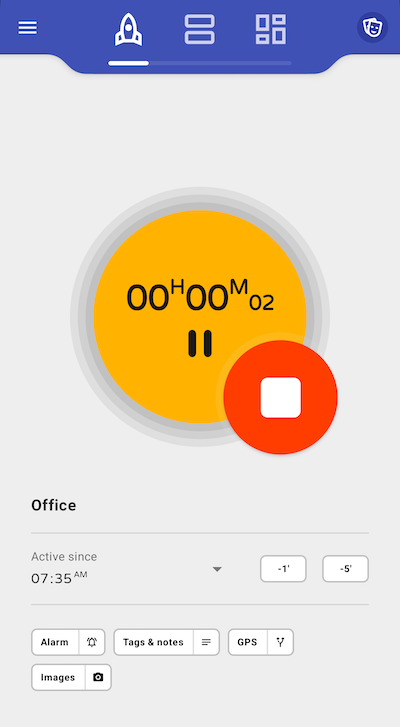
New start center for 1 project setups
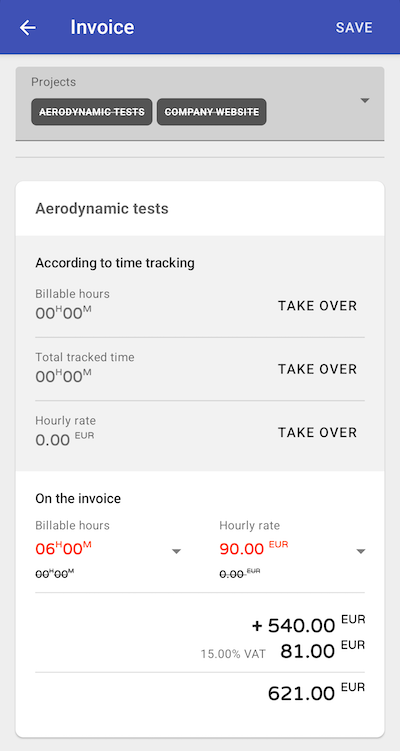
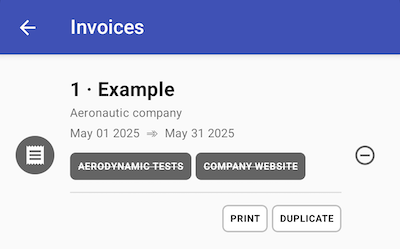
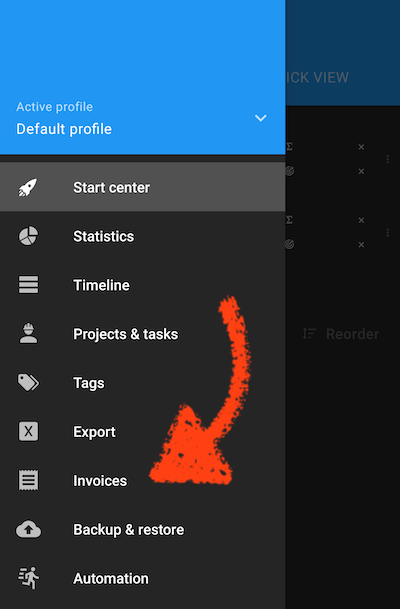
Much improved invoice functionality
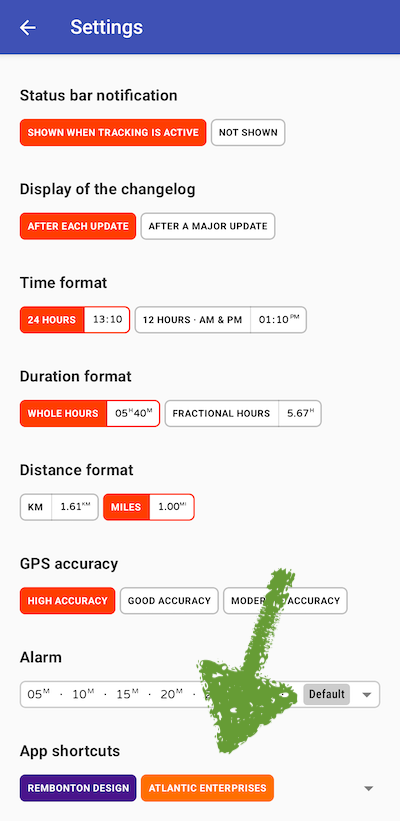
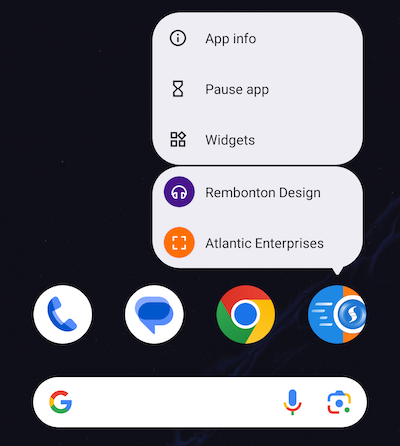
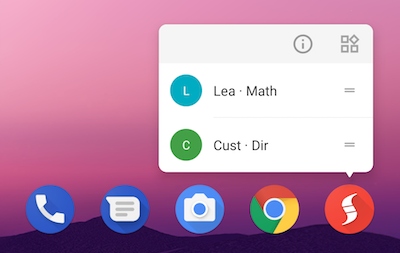
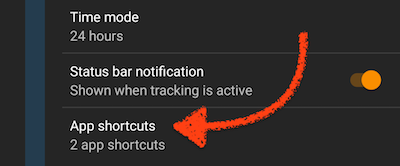
App shortcuts for the home screen
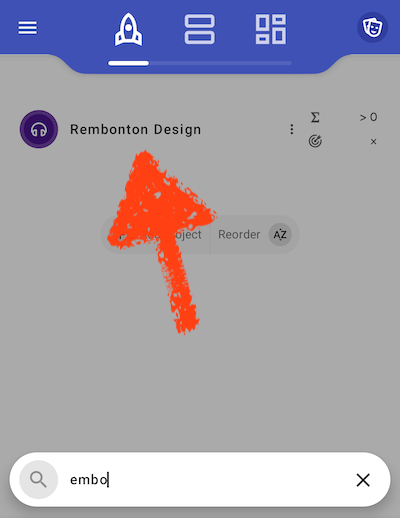
Improved start center project search
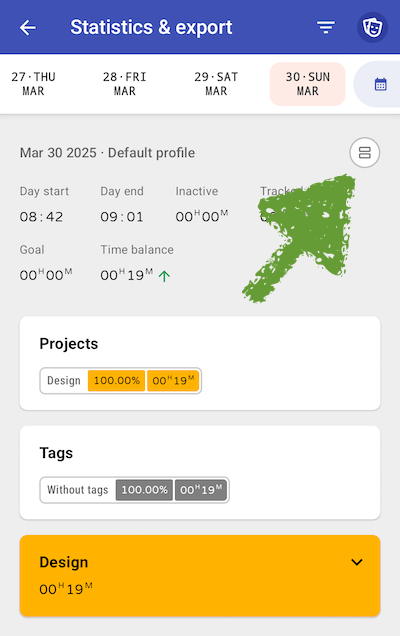
By jumping directly from the statistics to the timeline, errors can be easily corrected and adjusted
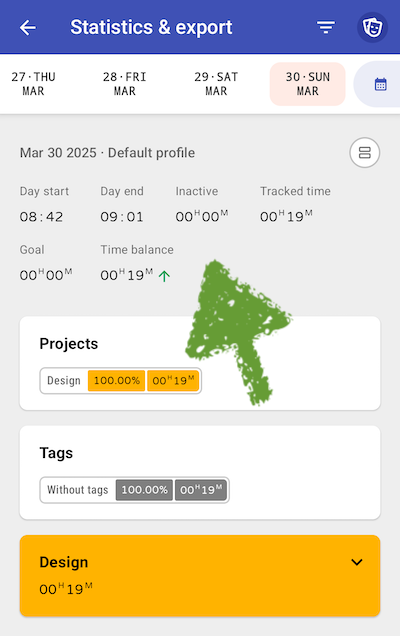
More logical arrangement of the daily stats
Delete option for notes
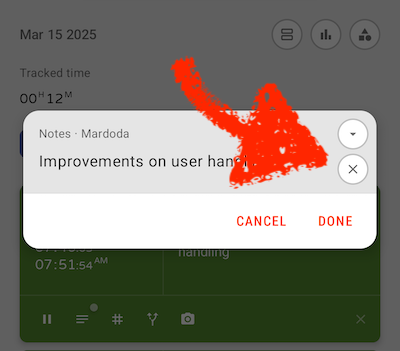
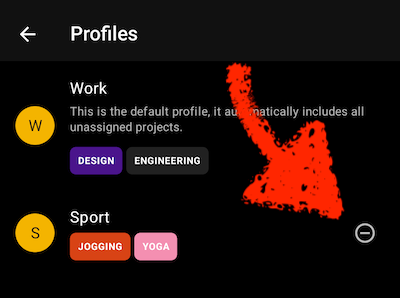
Delete option for profiles
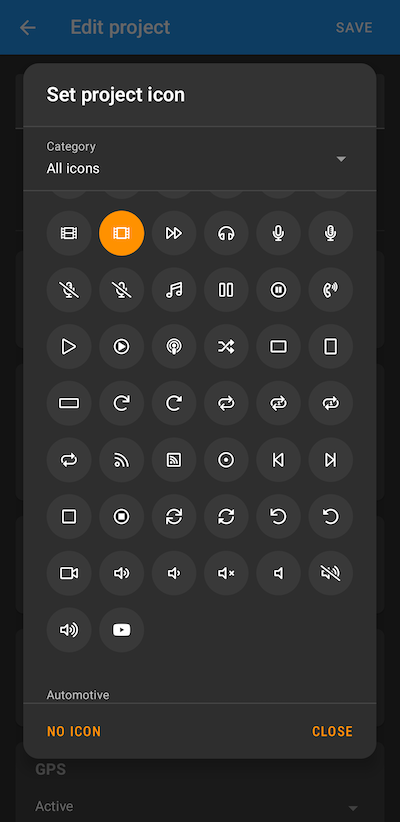
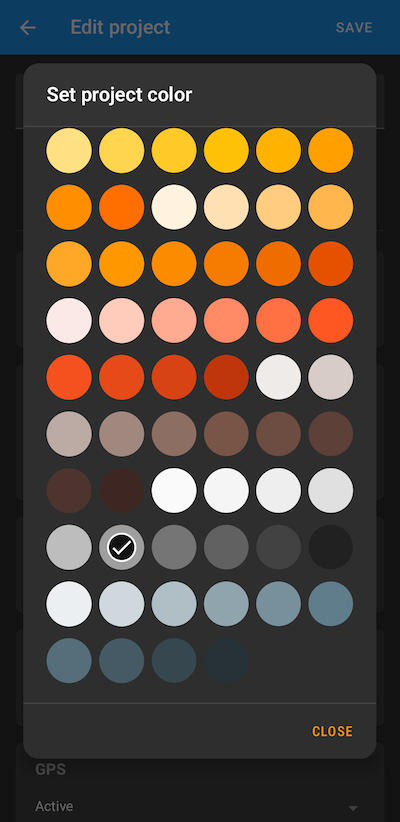
Color and icon picker design alignment
Search available if the number of projects is 5 or more
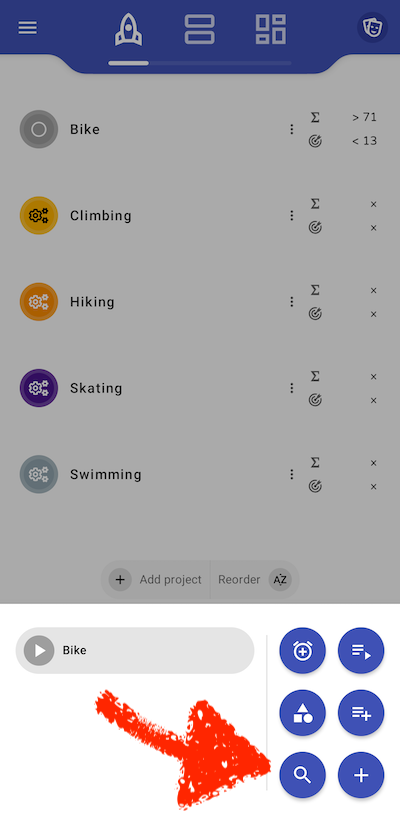
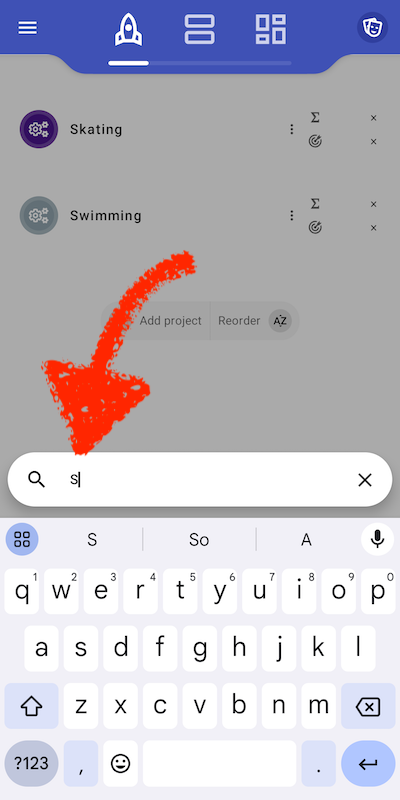
Various UI-improvements
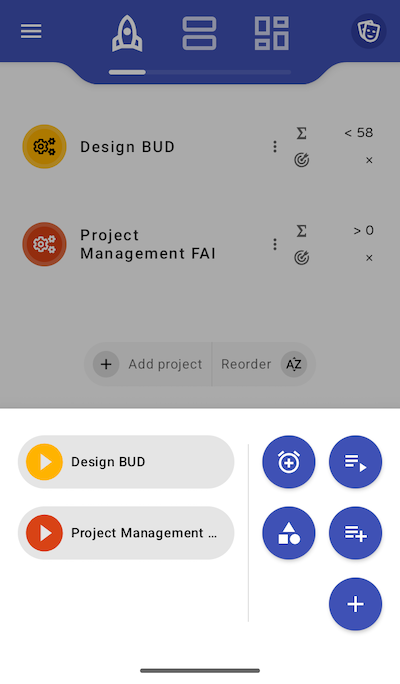
Various UI-improvements
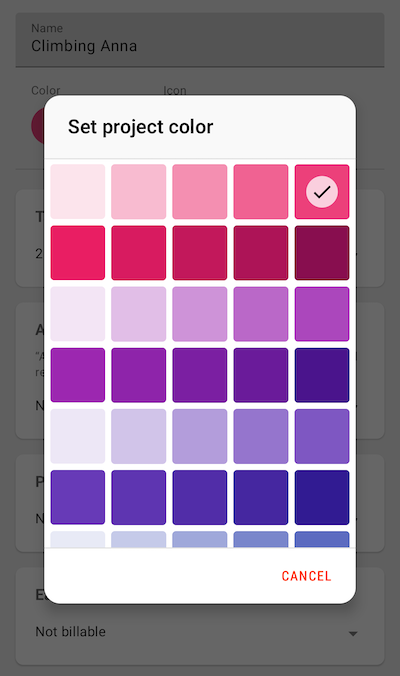
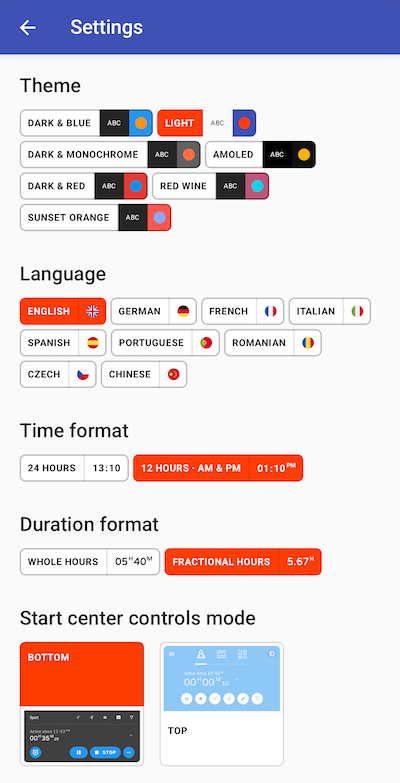
Much more user-friendly settings page
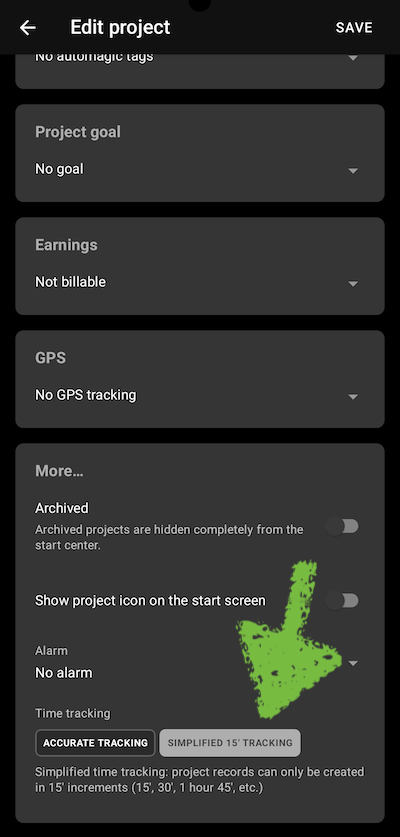
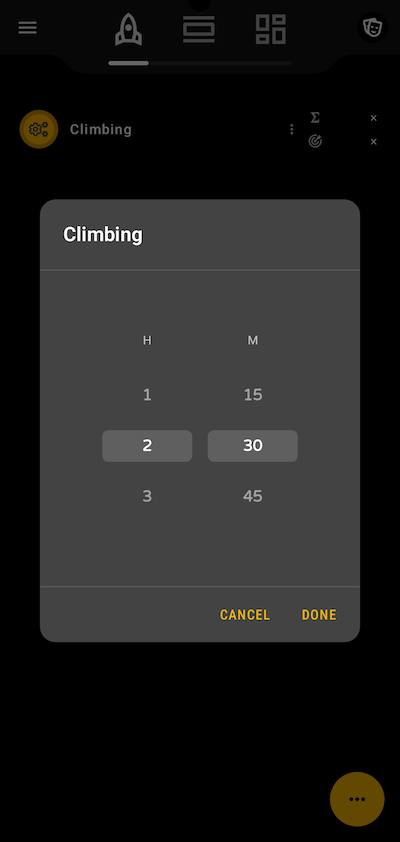
Add support for roughly tracked records
In case you don’t need exact tracking and you only want to know if it was an hour, half an hour etc., you can specify that on project level. I use this setting to track my son’s training times. I’m not interested at all in super-exact timings, but would still like to have a rough weekly overview.
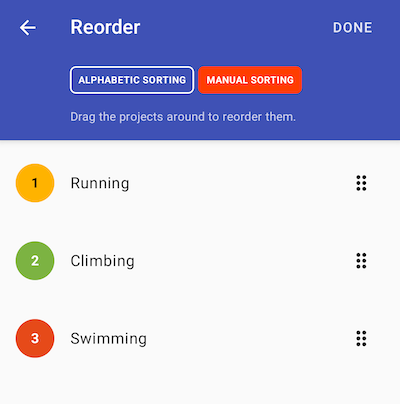
Improved project sorting
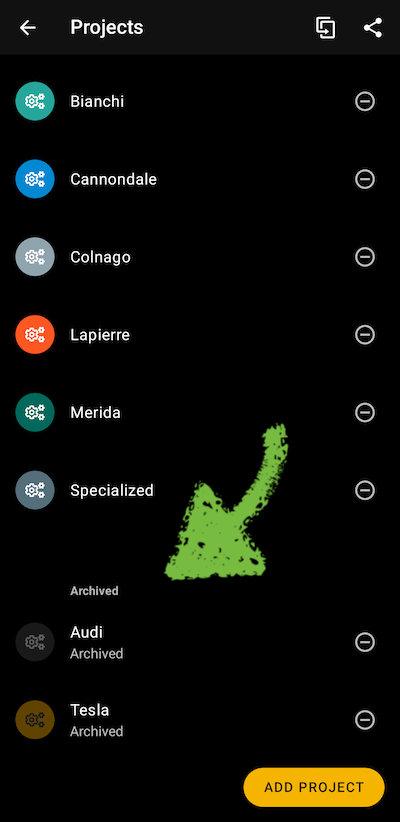
Archived projects are shown last in the project list
Better support for day types
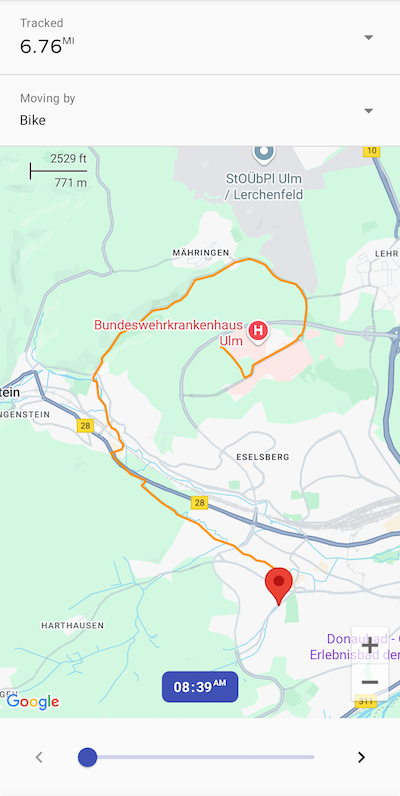
Improved display of recorded track
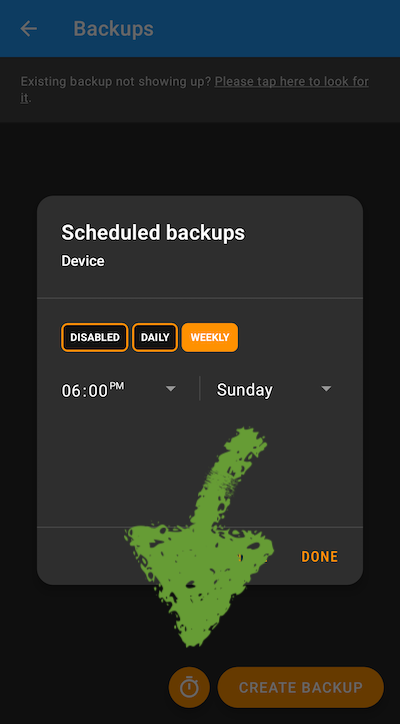
Improved backup scheduling
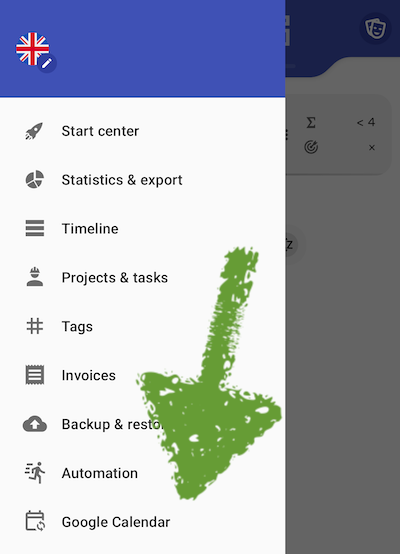
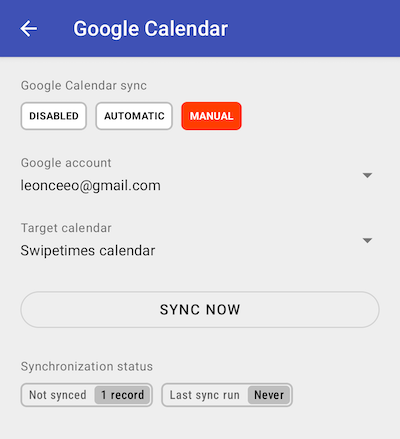
Improved Google Calendar integration
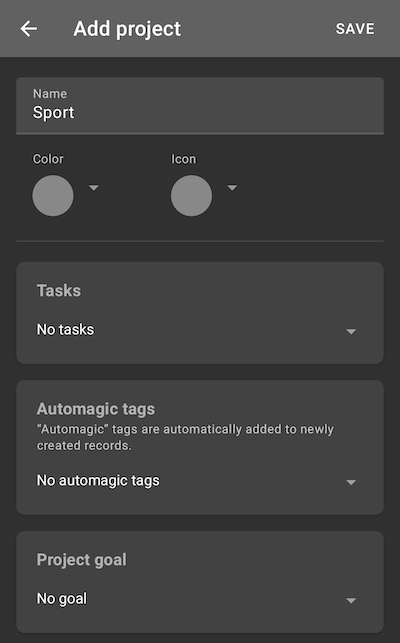
Completely new project setup screen
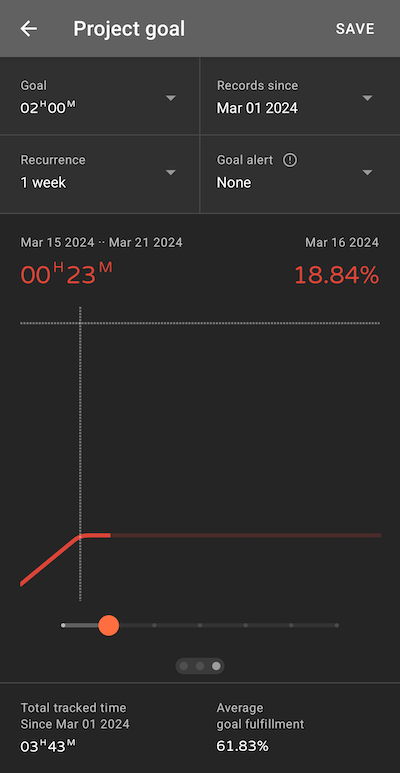
Yearly project goal
New charts for income and time goal achievement
Camera fixes
Improved timeline navigation, swiping is back again
Days with focused projects are marked with a dot
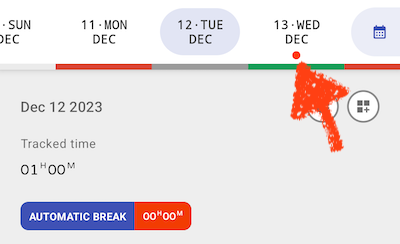
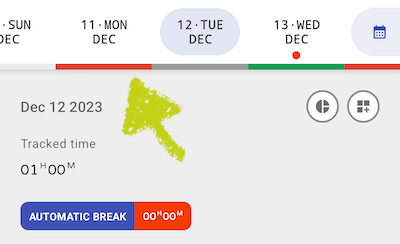
Different colors for day categorization
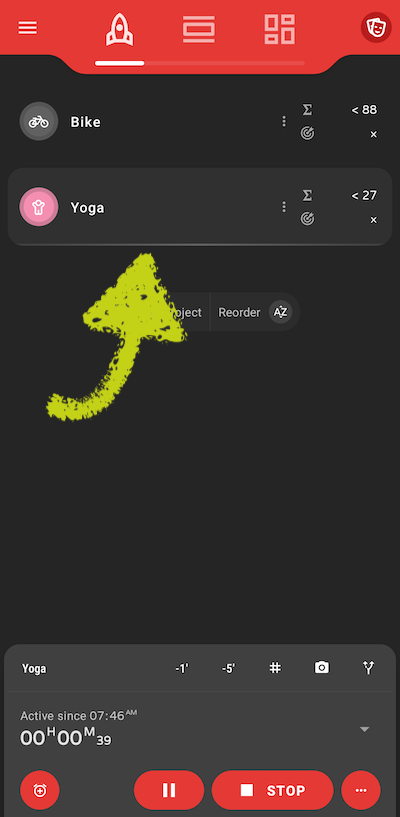
Better highlighting of the active project
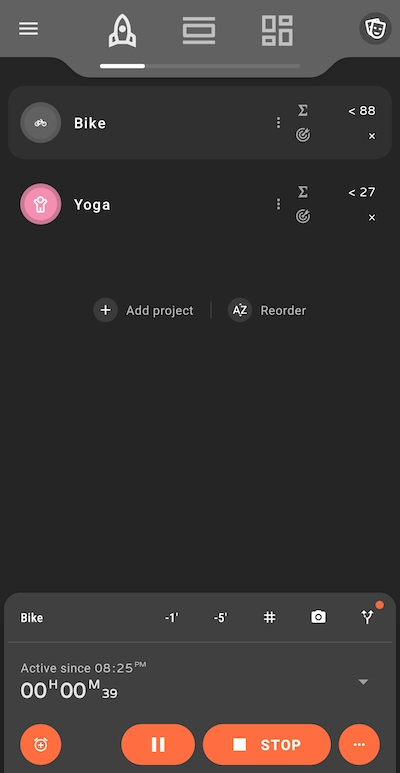
The new start page design features more usable screen space
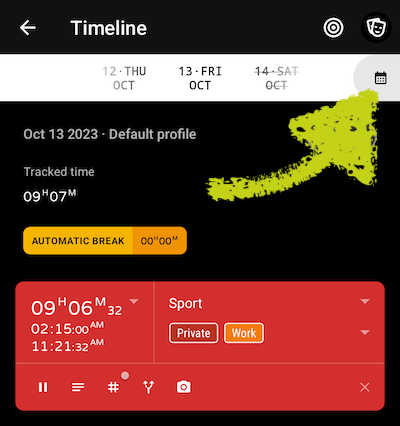
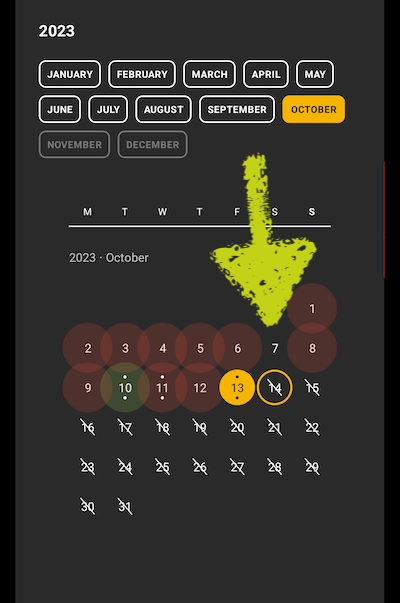
Calendar based navigation in timeline and statistics
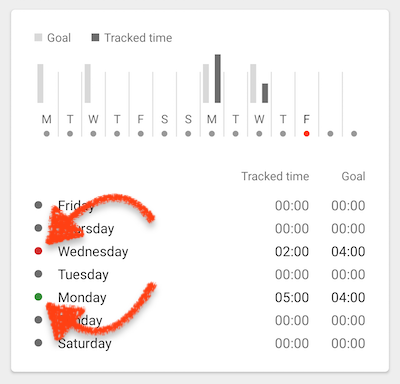
Green tone shows a day, where you’ve reached your goal
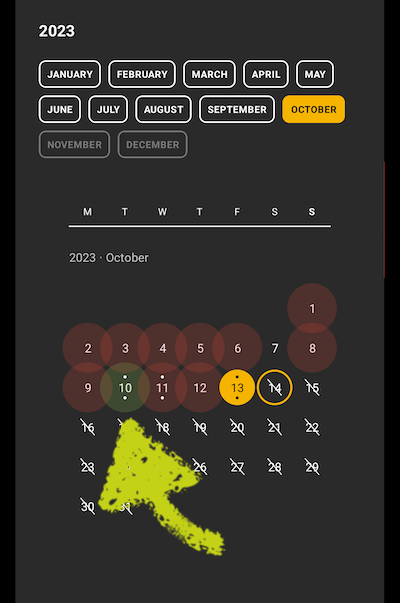
Red tone shows a day, where you didn’t reach your goal
'
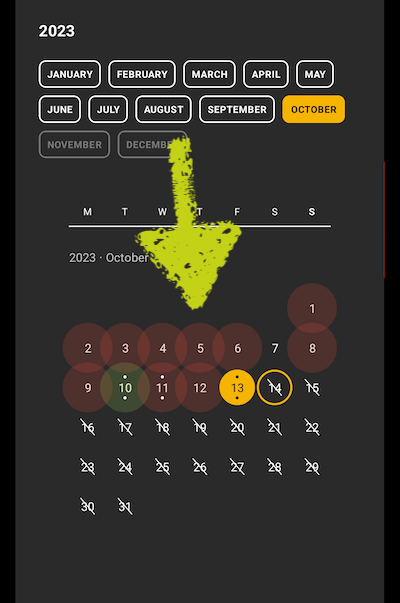
Days without goal have no extra marker
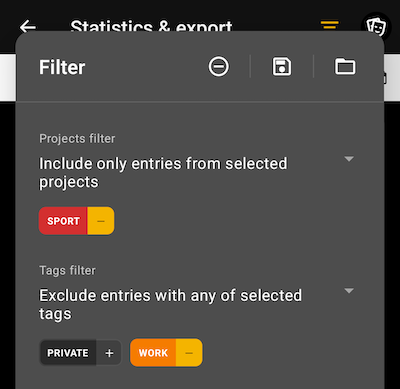
More intuitive filter handling in statistics
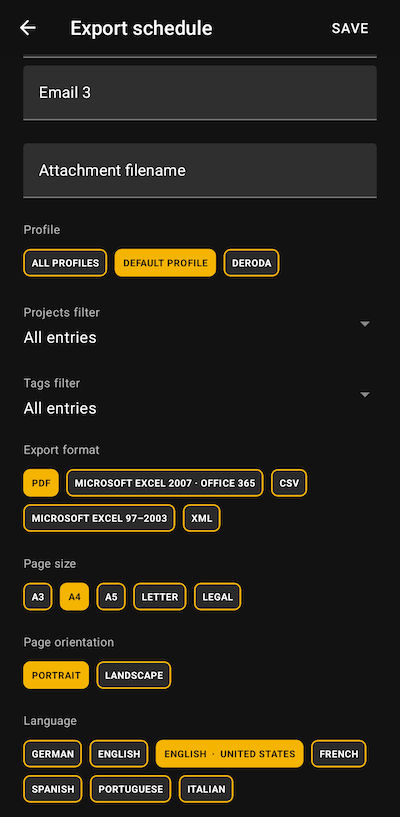
Better scheduled PDF export support
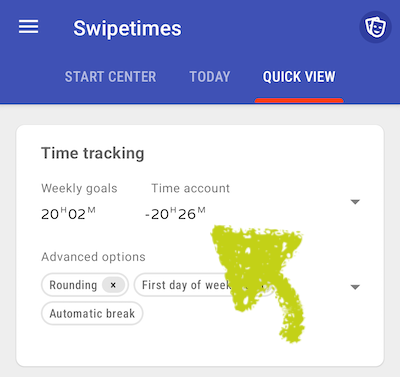
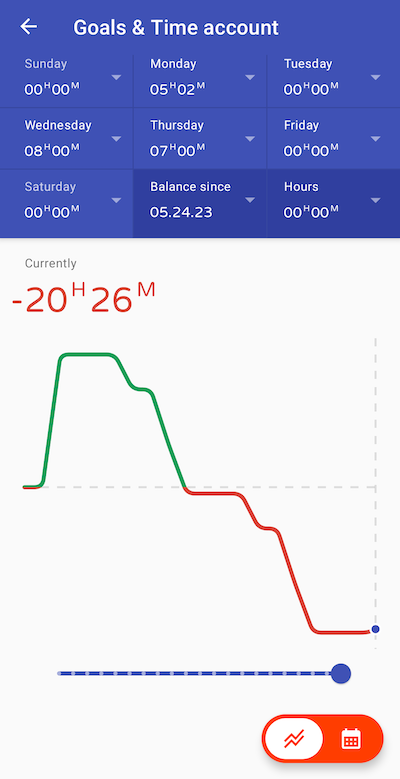
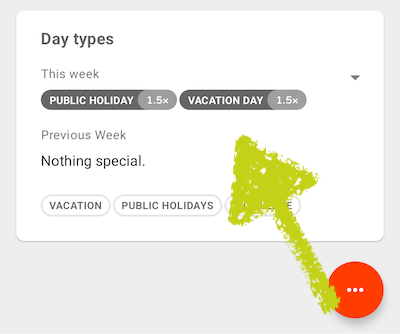
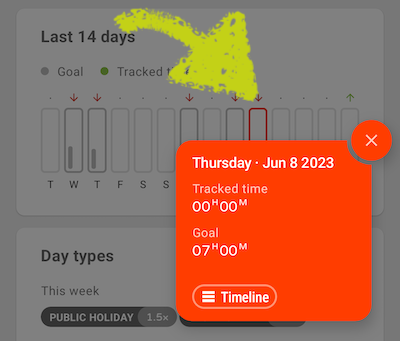
Goals & time account, day types, improved time selection
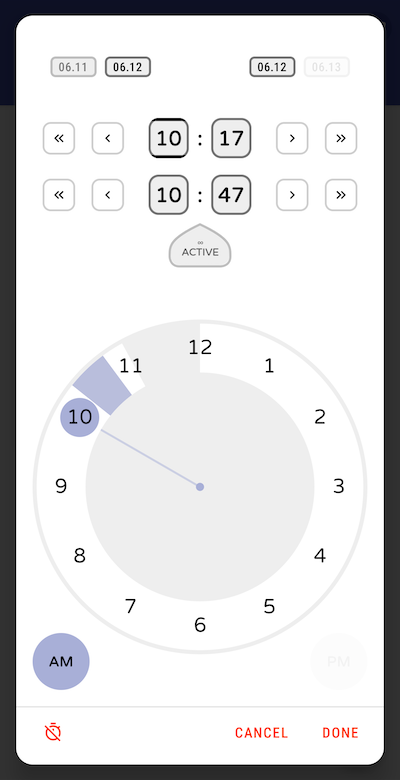
From & until adjustments
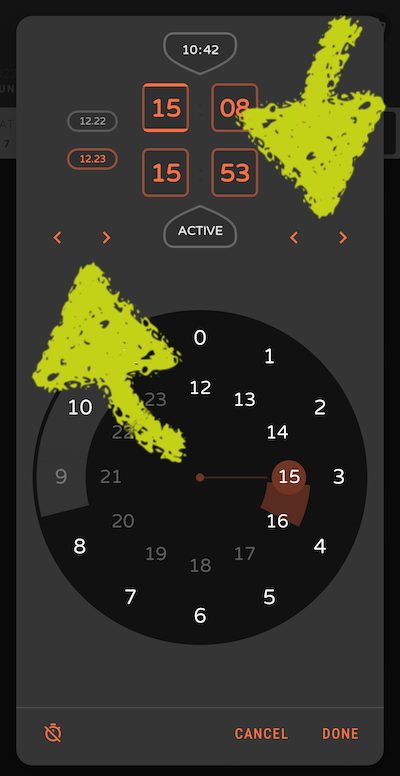
UI improvements, bug fixes
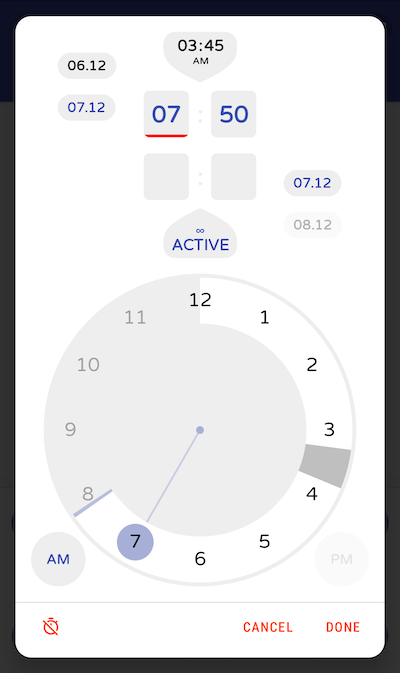
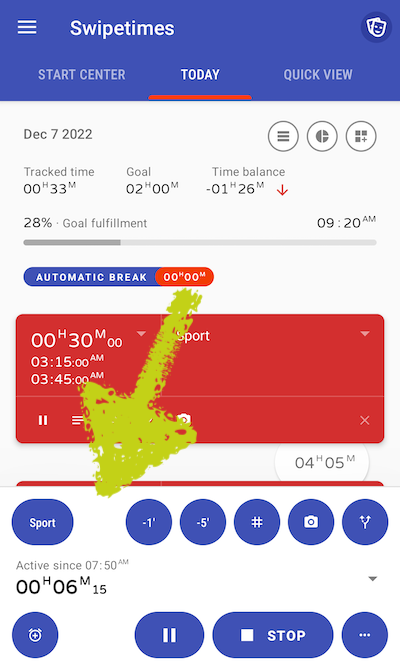
UX & performance improvements
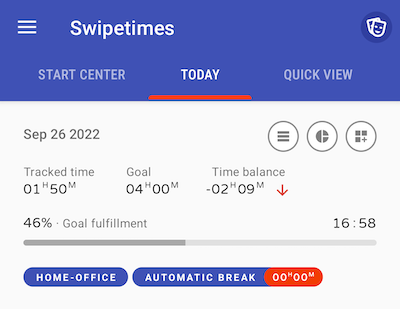
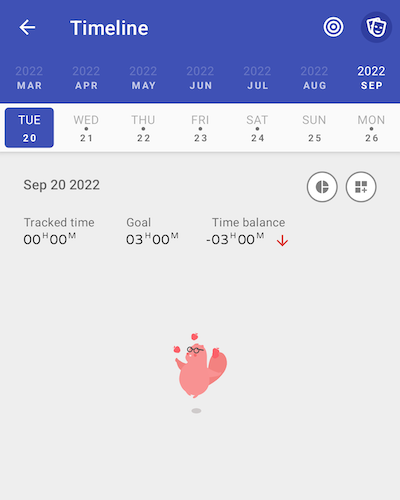
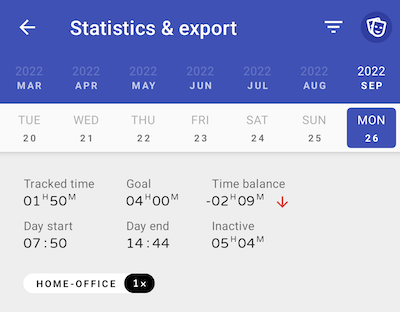
Earliest time when you can reach your daily target
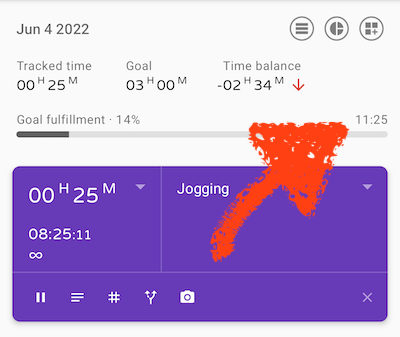
Lots of small design improvements
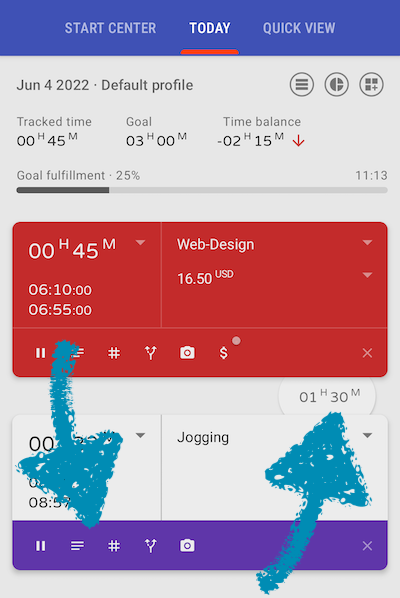
Document your activities with photos
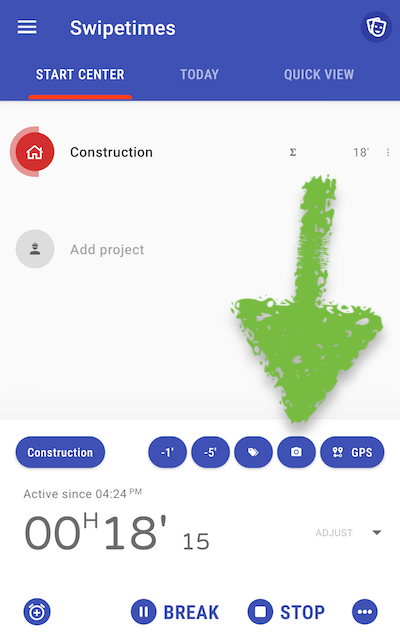
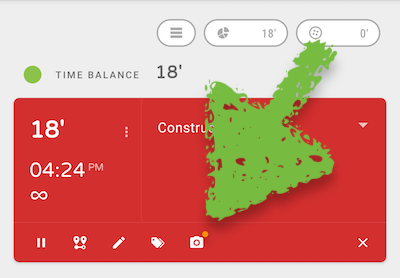
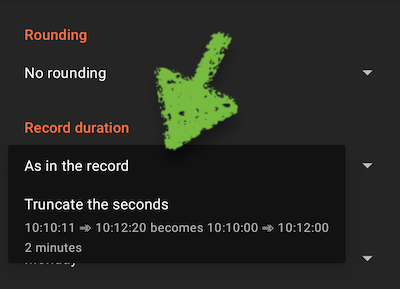
Truncate the seconds of the time records
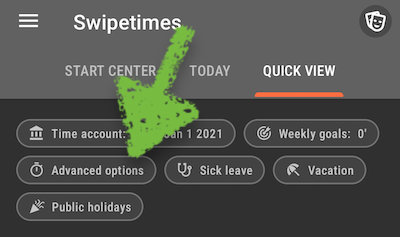
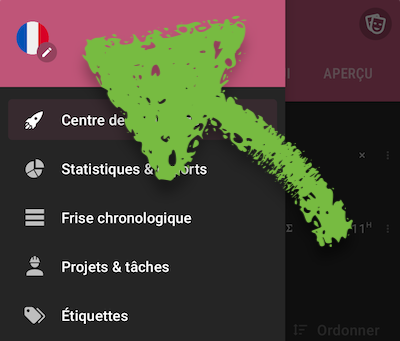
The language of the application can be changed
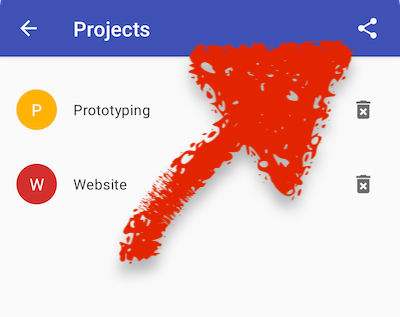
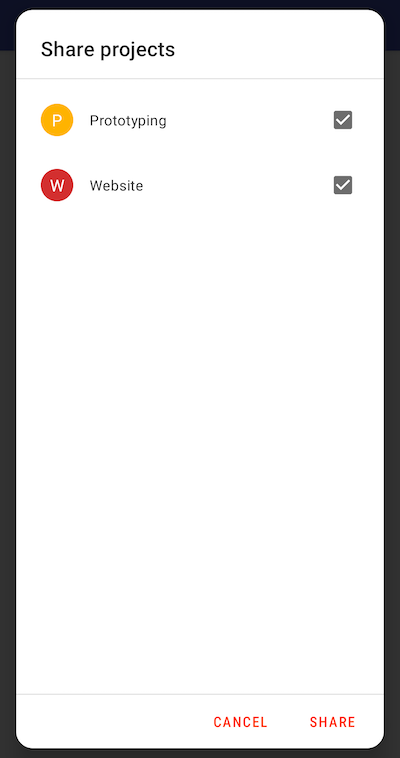
Projects can be exported and shared with other users
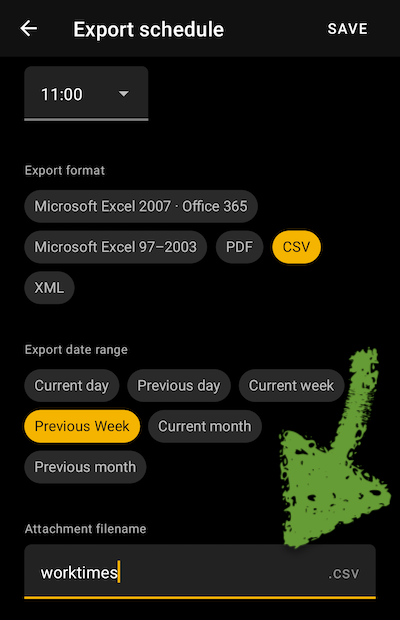
Scheduled export file name can be customized
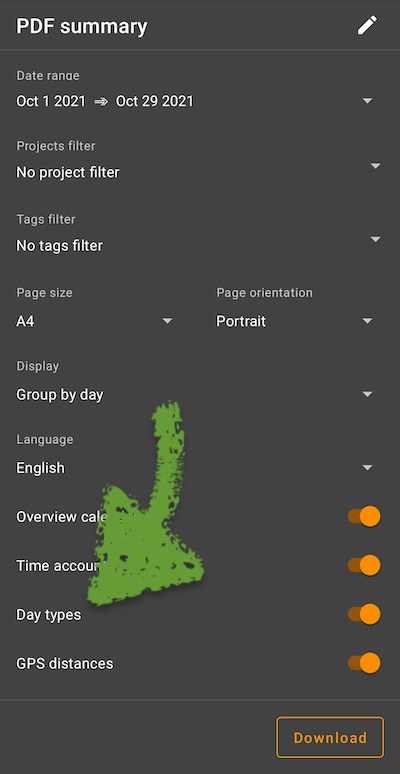
Day types (vacation, sickness etc.) are included in the exported PDF
Export filters
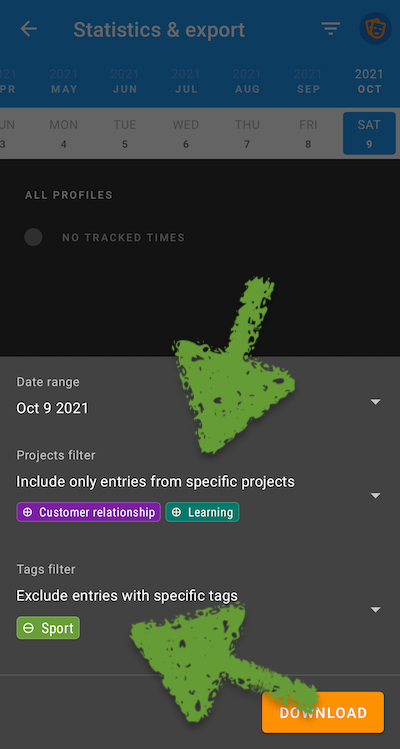
Simplification of the exports. They may be called from the statistics view and can use the statistics filter
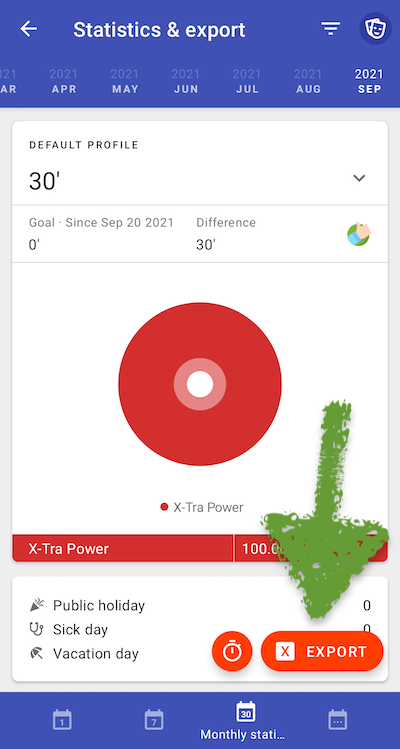
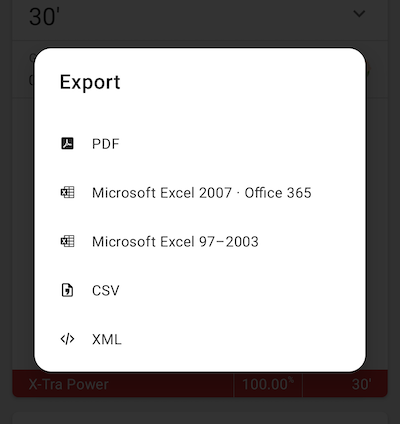
Statistics over all profiles
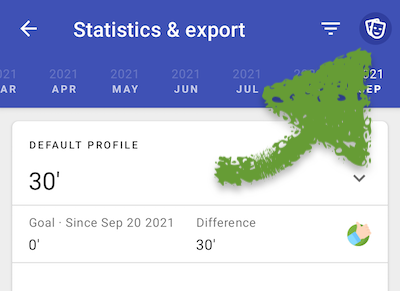
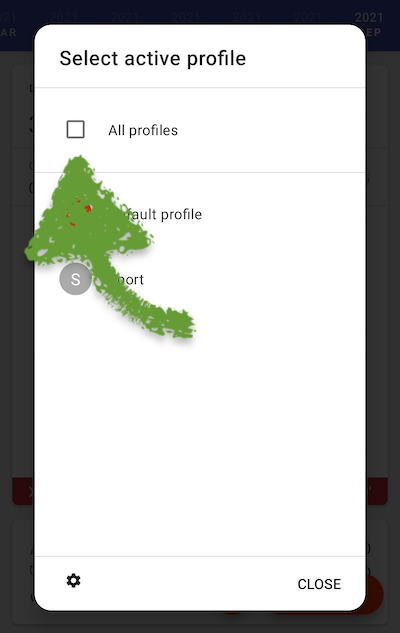
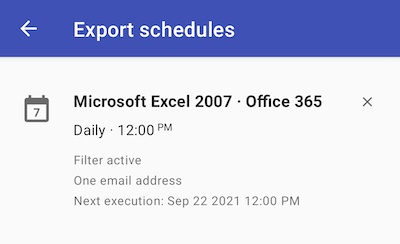
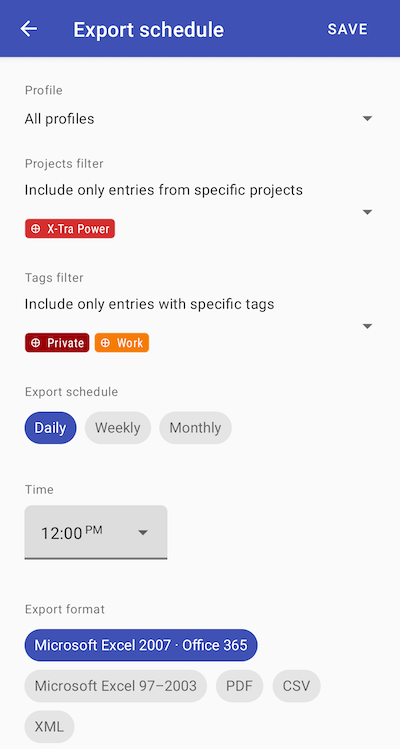
Plan your exports and send them automatically via email
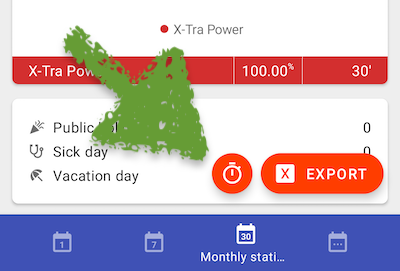
The statistics retain the current period when reopened
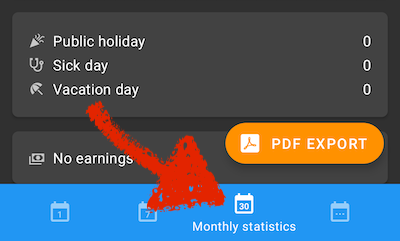
If you’re using the app with only one project, clicking on the widget will directly start the timer
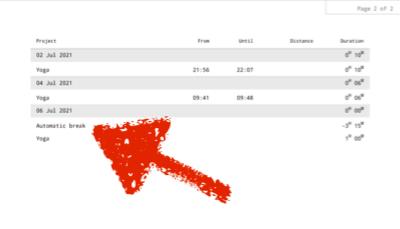
Automatic breaks are also printed in the PDF summary
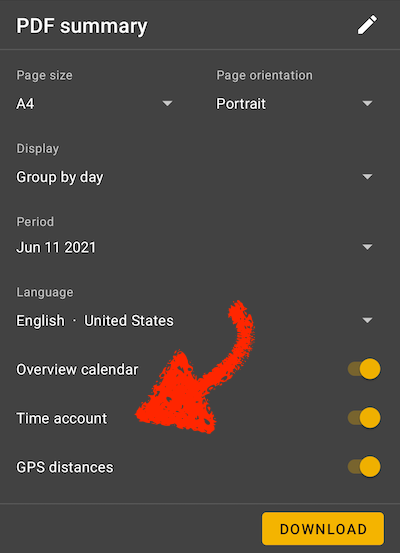
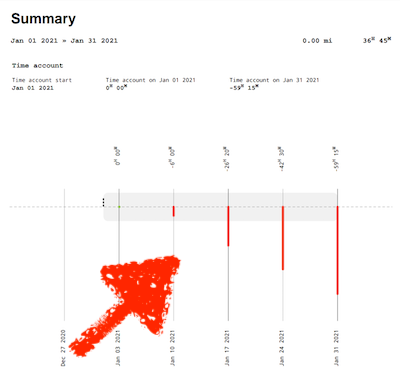
Time account graph in the PDF report
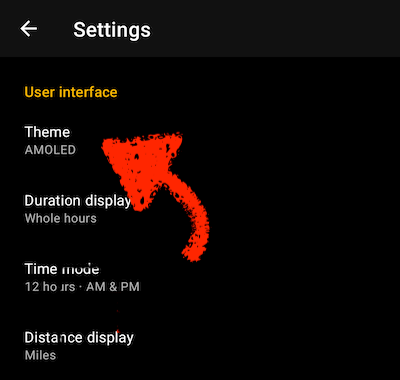
New dark theme, especially for AMOLED displays
The cards in the timeline are using a space-saving layout
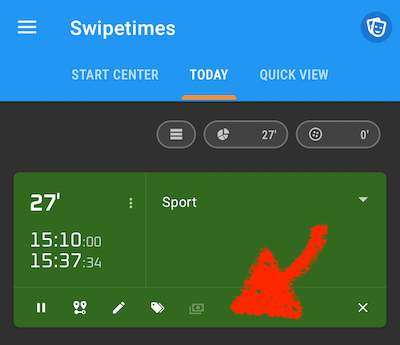
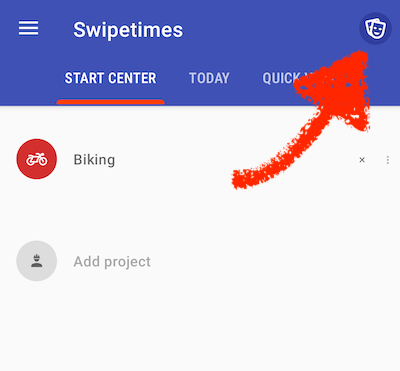
Profile management has been improved
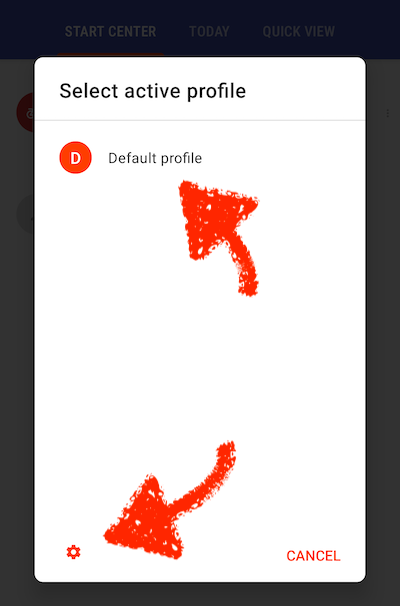
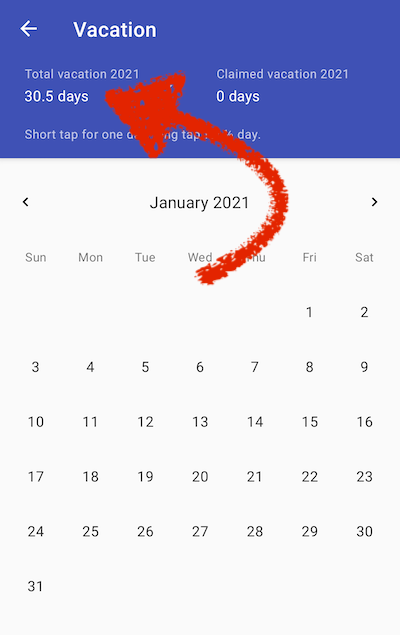
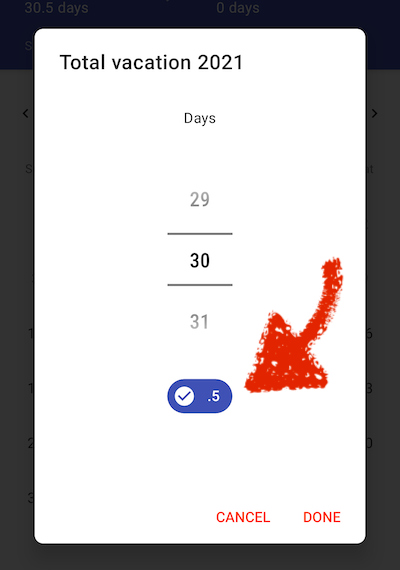
The vacation entitlement can be specified exactly to half a day
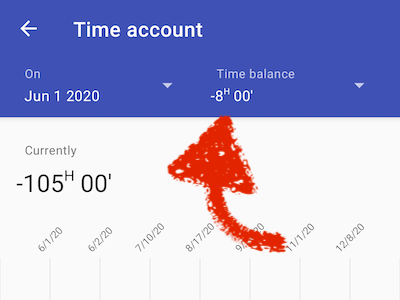
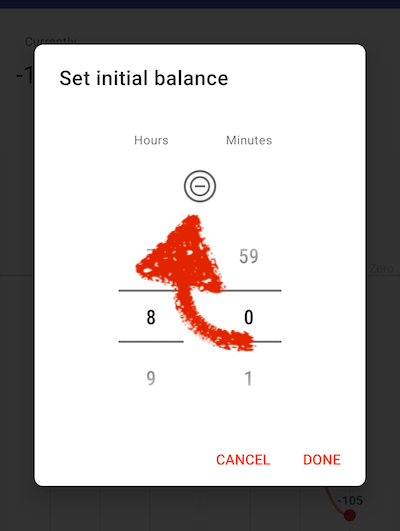
Negative initial time account balance
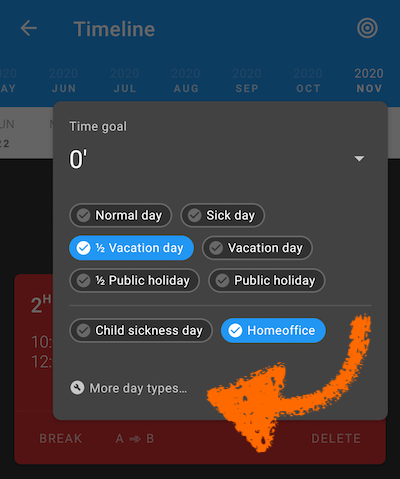
Custom day types: define more day types alongside vacation, holiday and sick leave
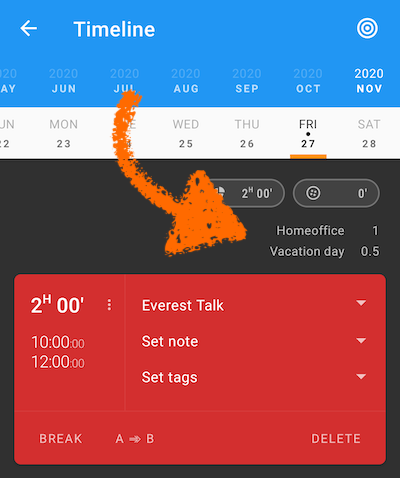
The timeline also displays this information now
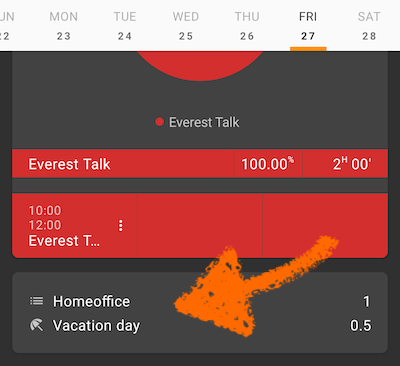
Custom day types are also shown in the statistics
Auto-restartable projects
Let’s assume you’re at work, and your project tracker runs. After one hour, you decide to do some gym exercises, afterwards you want to switch back to your previous work
With a long tap on the gym project, the tracker will switch to gym tracking. After stopping, Swipetimes will return to your previous works, without any manual intervention
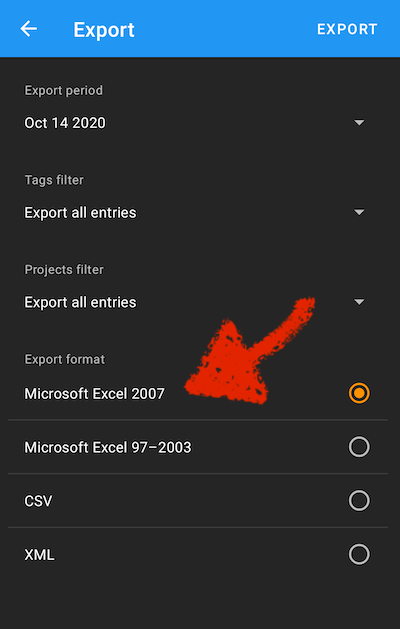
New Excel export
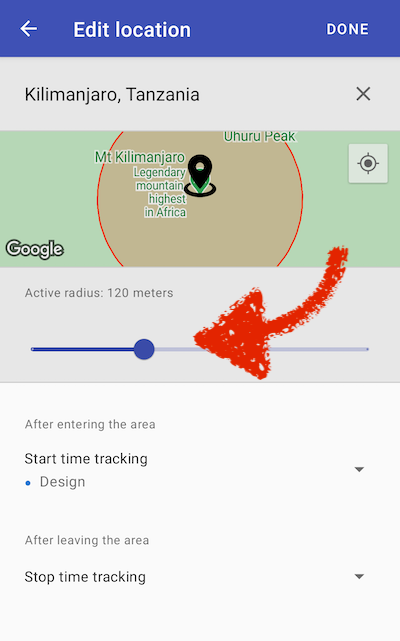
Location based time tracking improvements
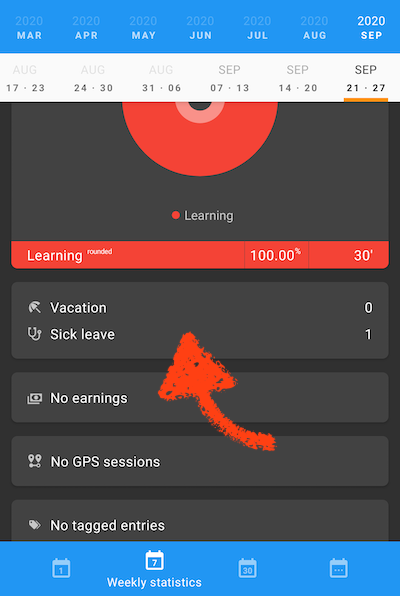
Vacation and sick days are shown in the statistics
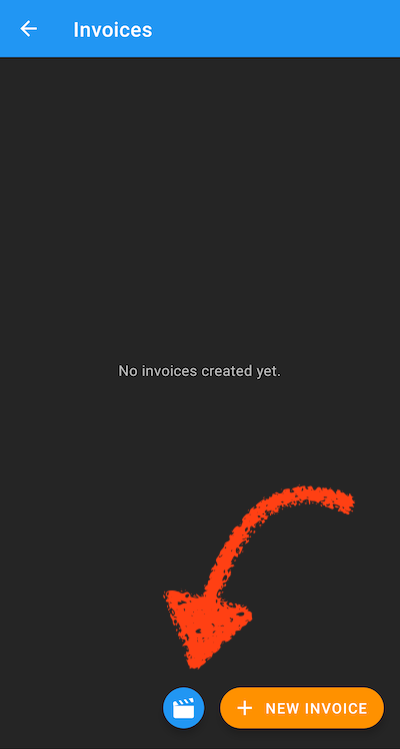
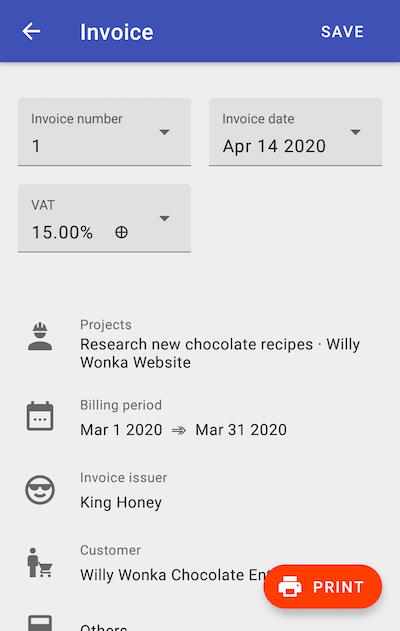
Printing and management of invoices. Both project hourly rates and the tracked times can be adjusted during invoice creation
Some new icons
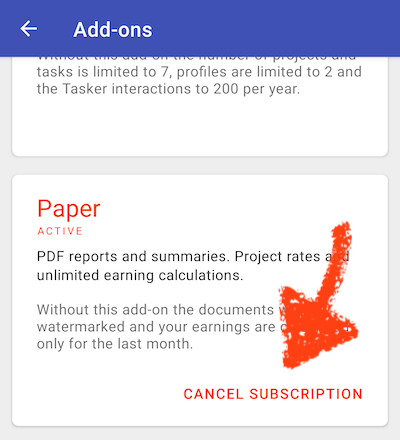
Subscriptions can be cancelled directly from the app
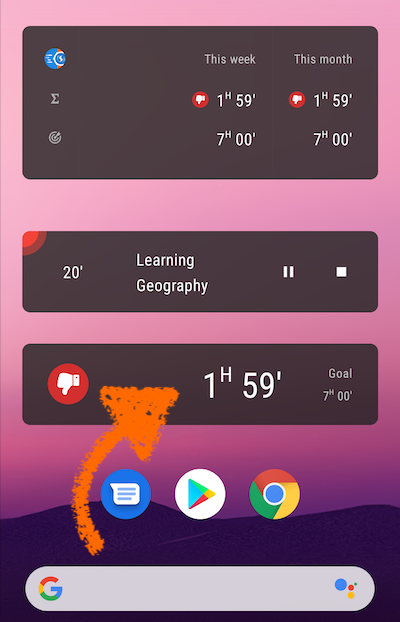
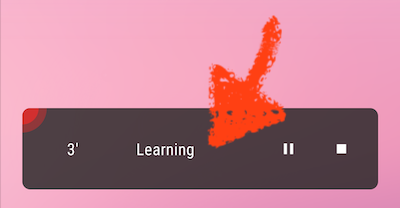
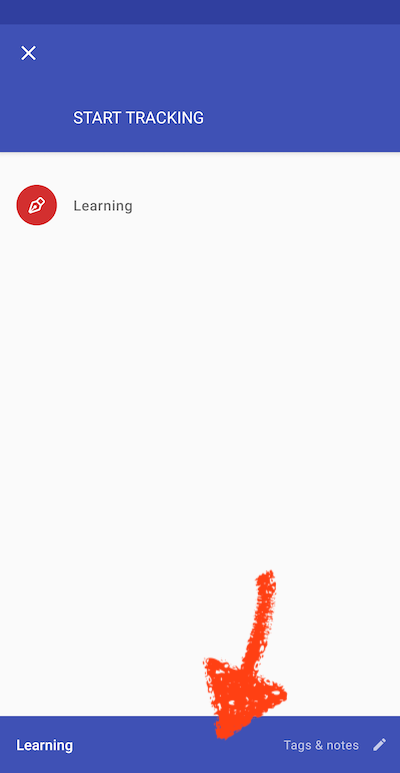
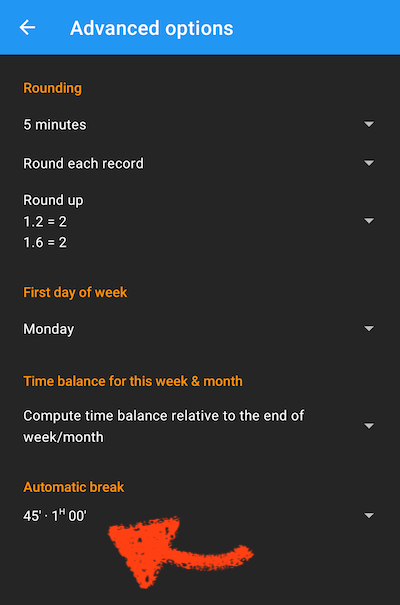
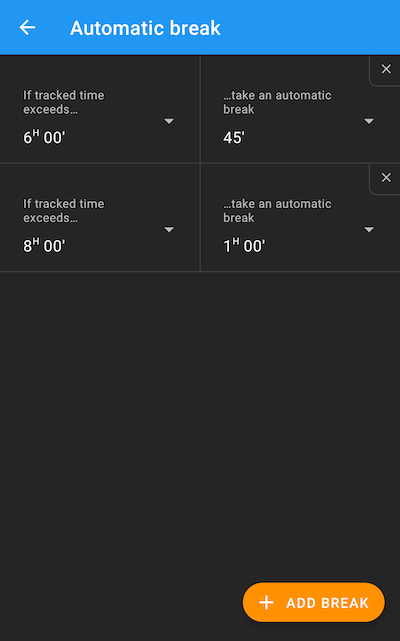
More flexible automatic breaks
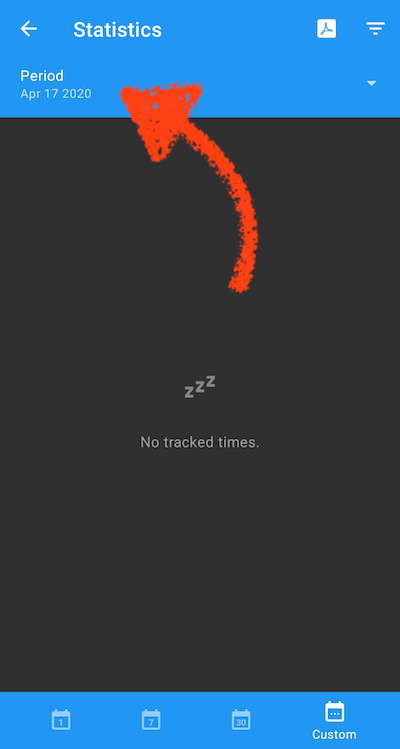
More predefined periods in the custom statistics view
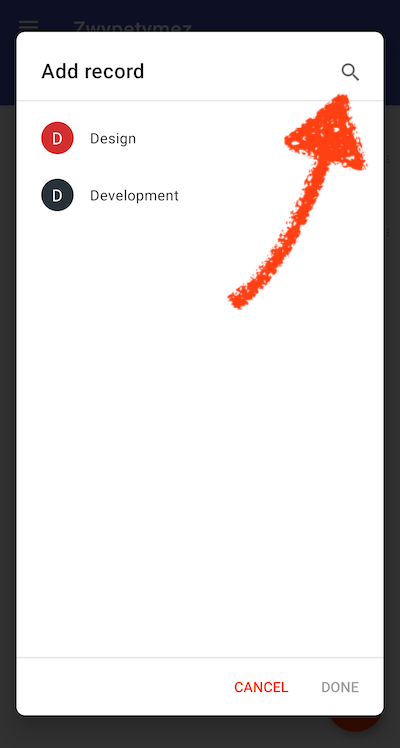
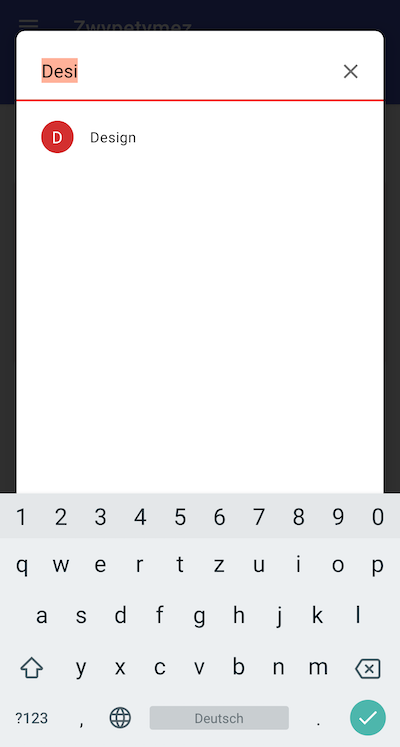
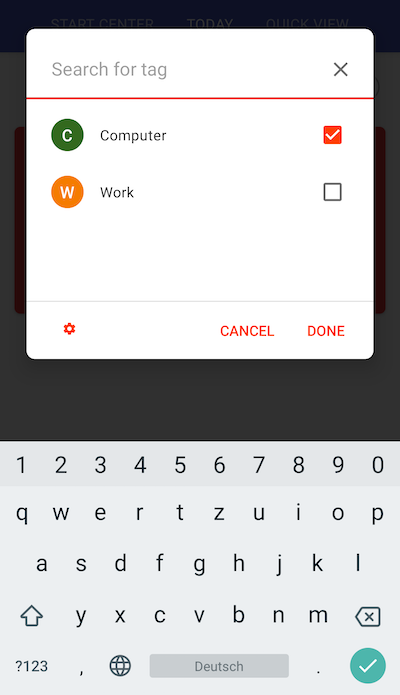
Search for projects and tags when adding or modifying an entry
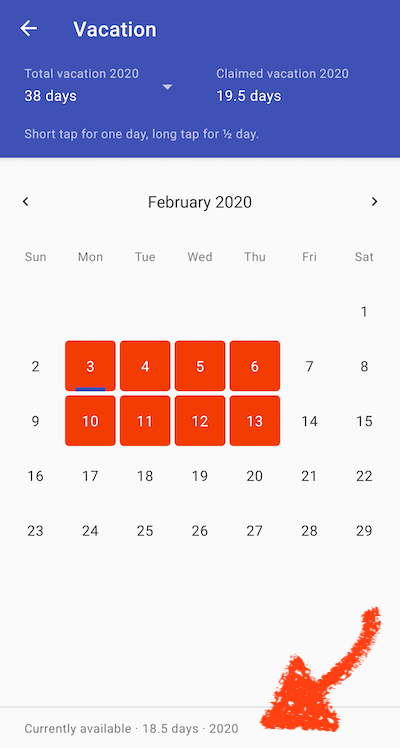
Remaining vacation days
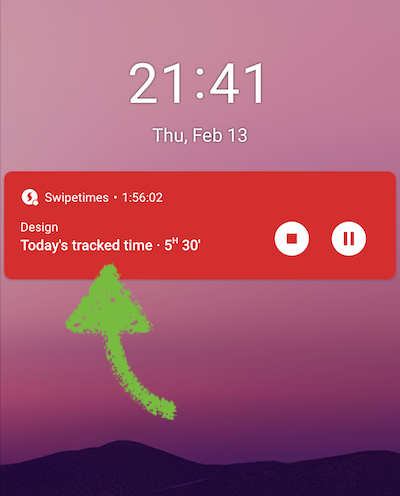
Statusbar notification also shows the day’s totally tracked time
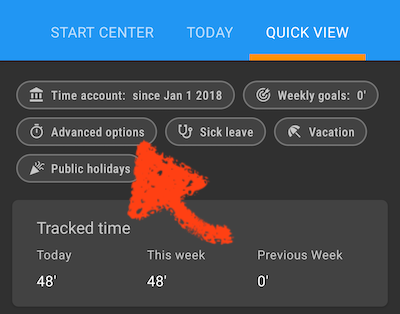
Automatic breaks
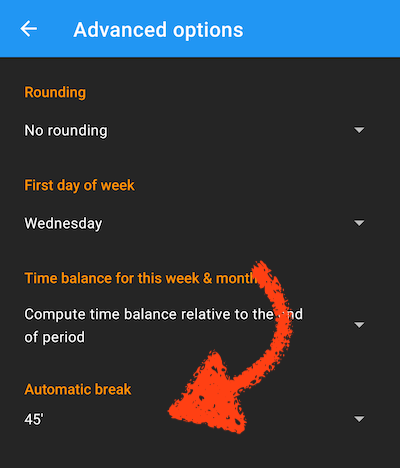
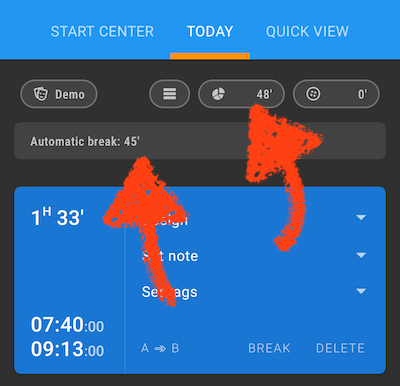
The automatic break duration will be subtracted from the total daily time
Each day-break may be adjusted afterwards (tap on the break entry), just for the case that the break duration doesn’t match the set time
Focused projects
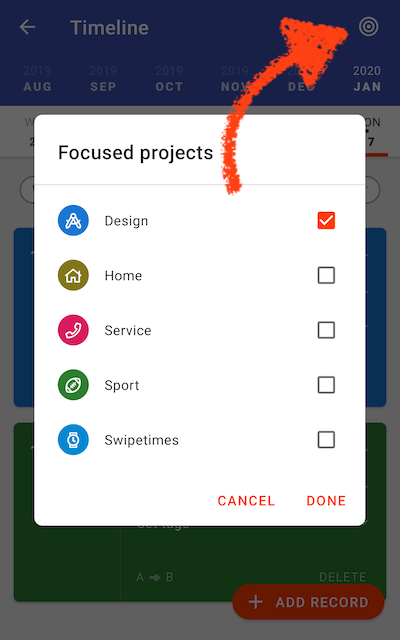
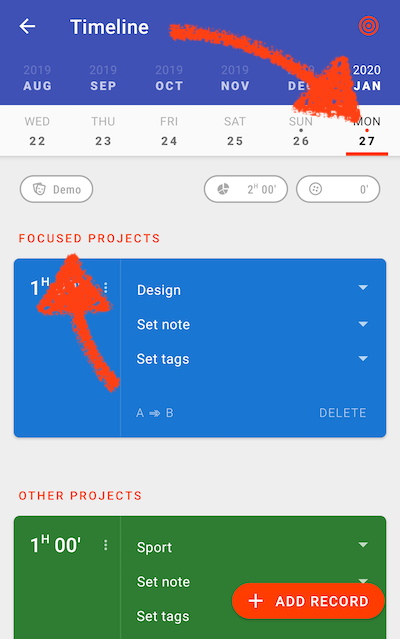
Days with focused project records are highlighted with a different color — an orange dot instead of the gray one
Focused project records are shown first in the timeline
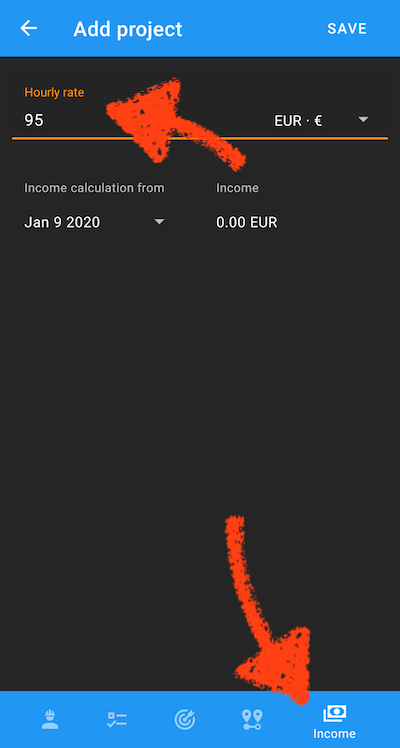
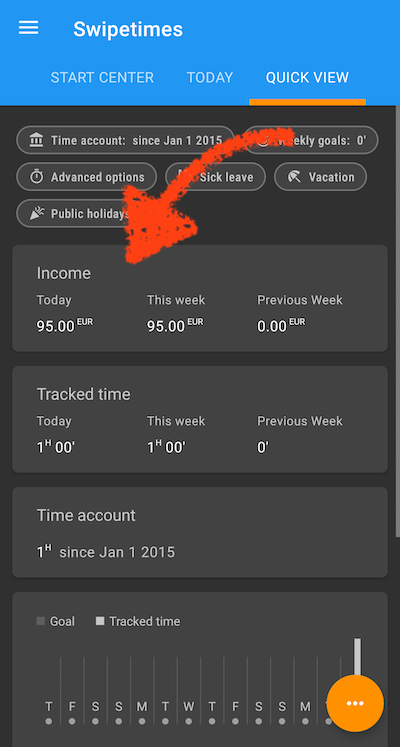
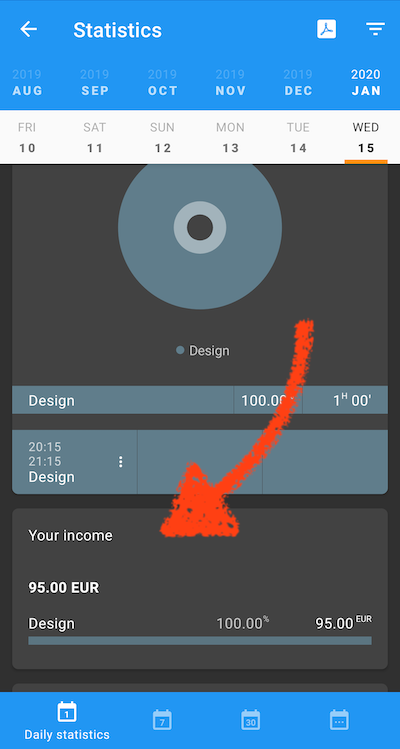
Project hourly rates and income calculation
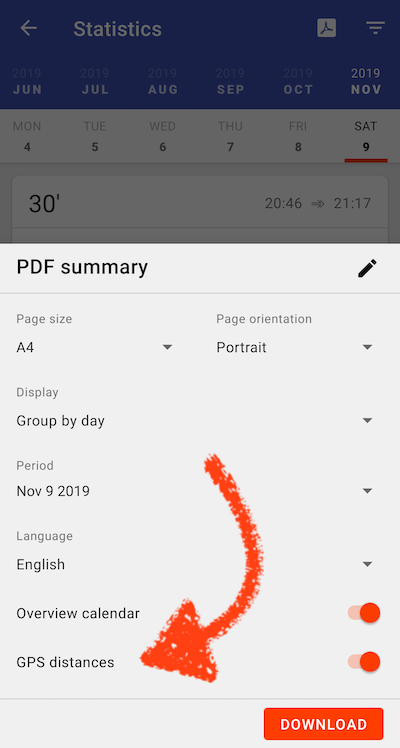
Tracked GPS distances in the PDF reports
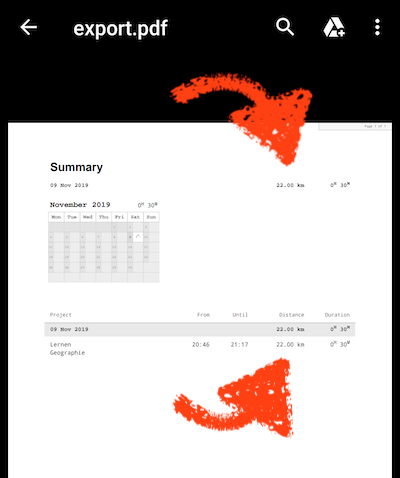
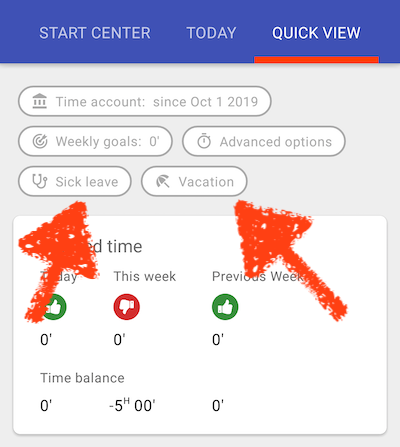
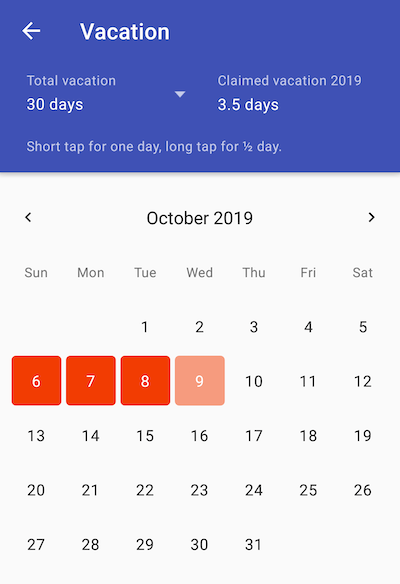
Manage your vacation and sick leave days in the app
Mark specific days directly in the timeline
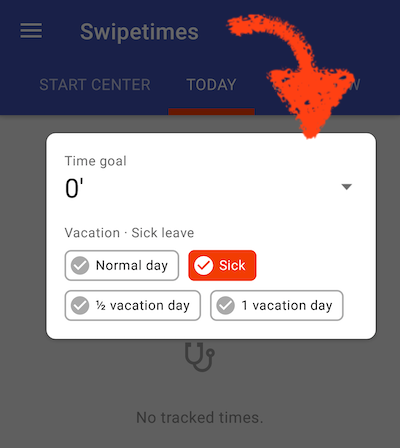
Vacation & sick leaves
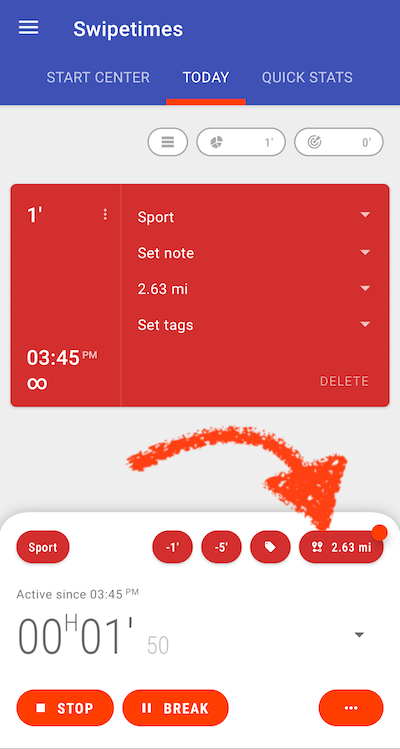
If your are using the bottom controls layout and GPS tracking is active, the distance is displayed directly in the start center
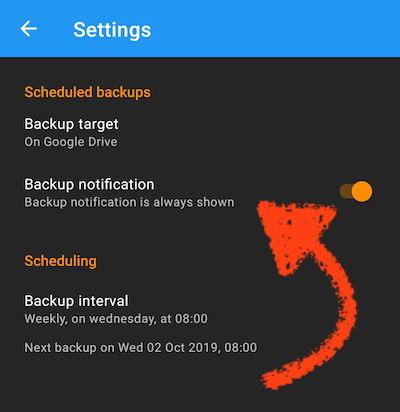
The automatic backup notification can be turned off
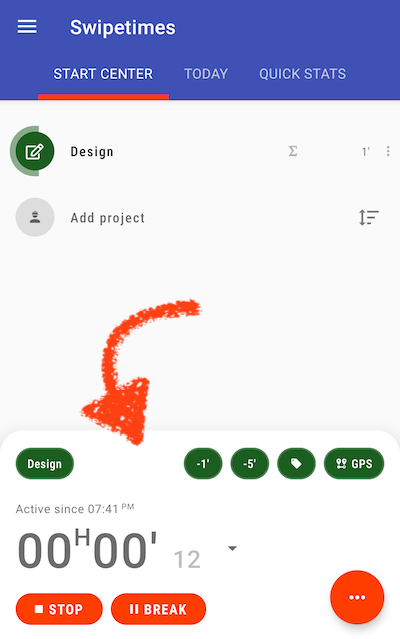
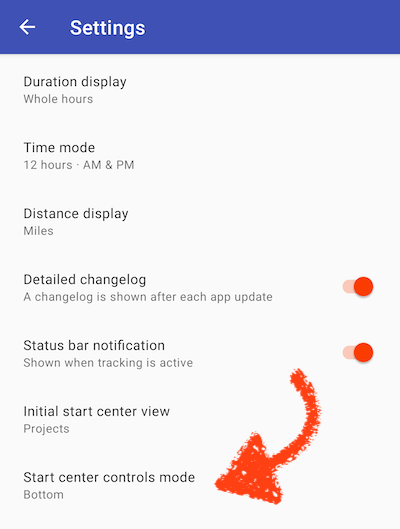
A thumb-friendly design can be activated in the apps settings
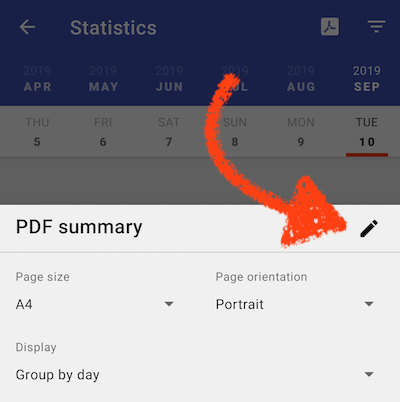
Customizing the PDF report title
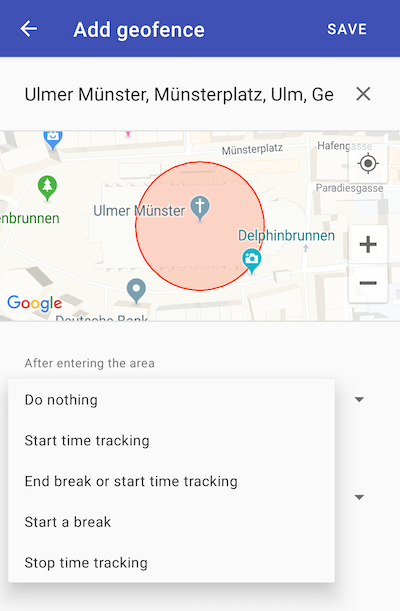
Geofencing
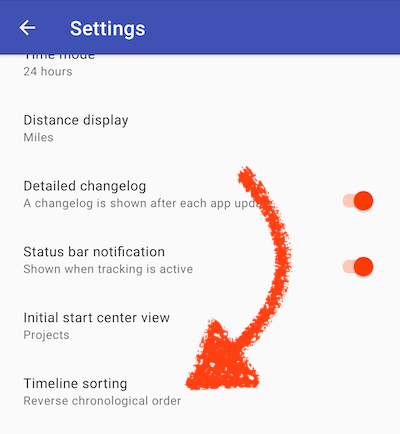
Sort option for the timeline
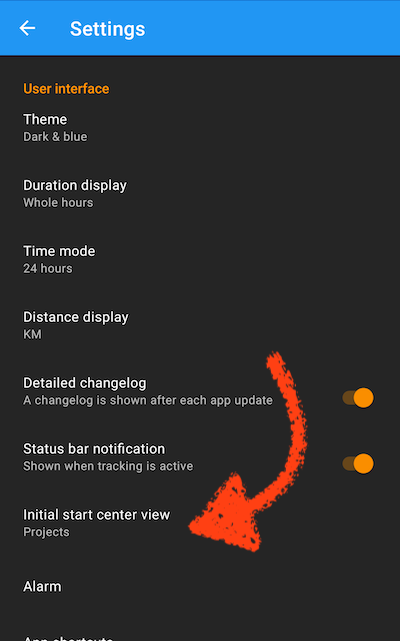
Added new start-up option
New menu entry for automation
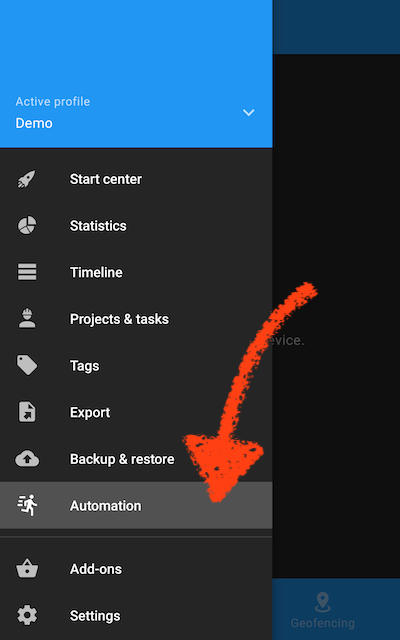
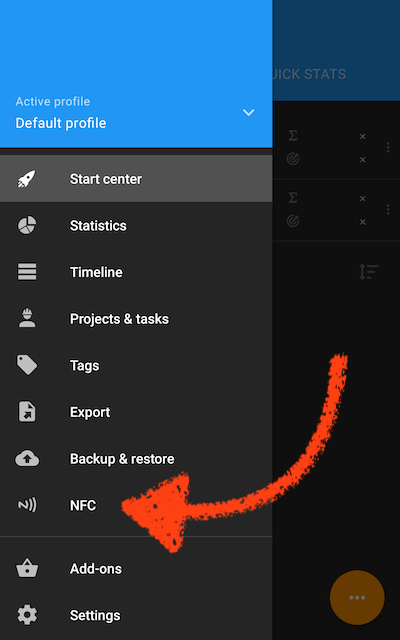
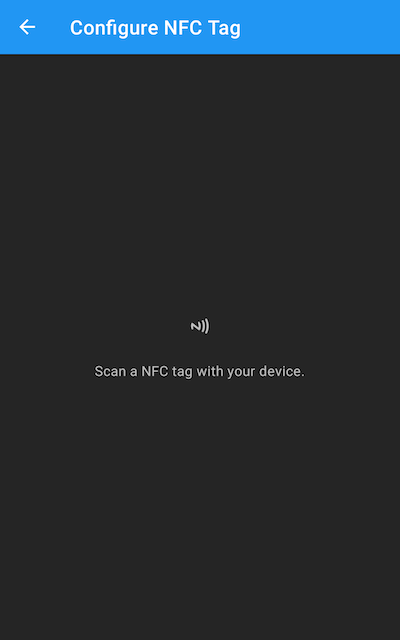
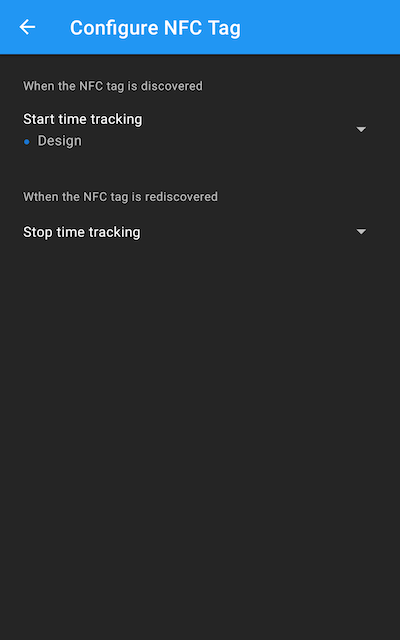
NFC based time tracking
Project based GPS settings
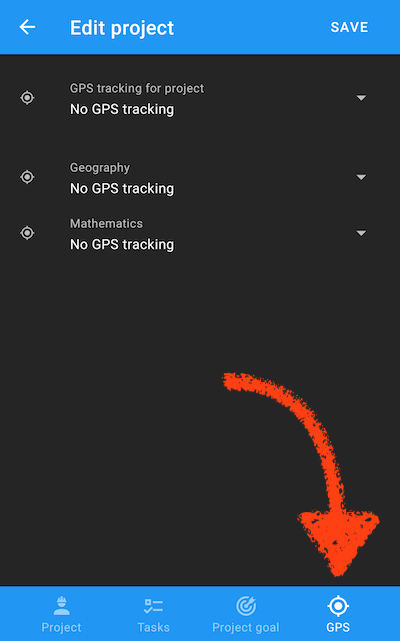
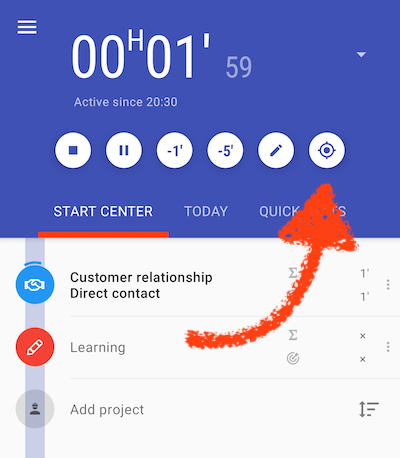
GPS tracking
Tracking may be started from the start center
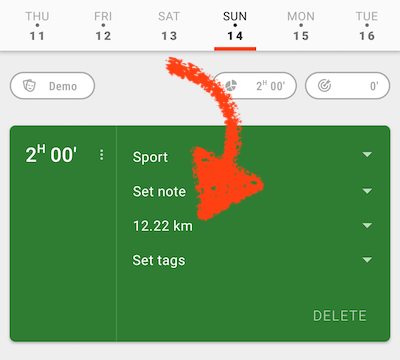
Tracked distance plus GPS track is attached to the record
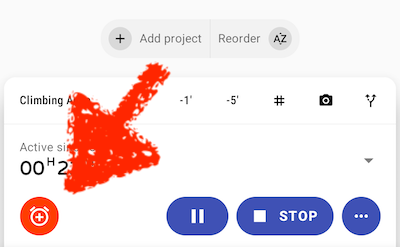
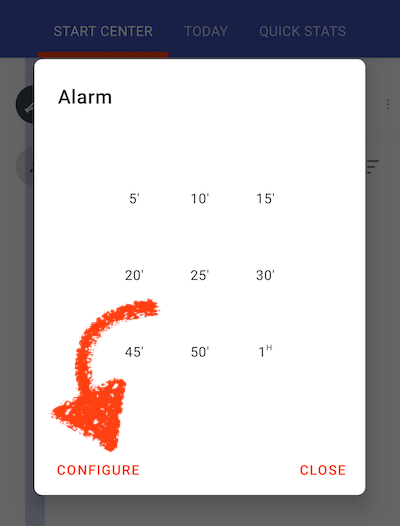
Alarm intervals can be customized
Swipe actions in the start center
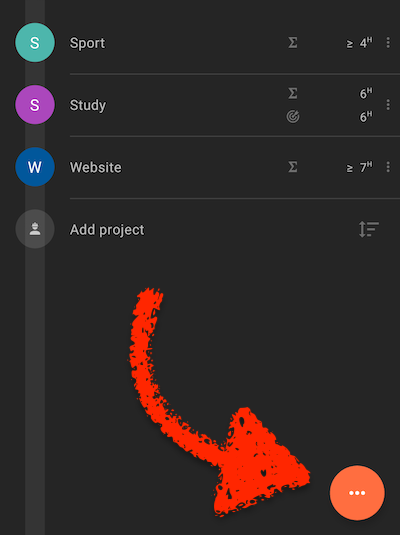
Quick access to the timeline
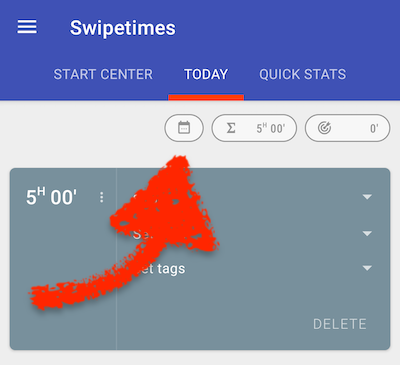
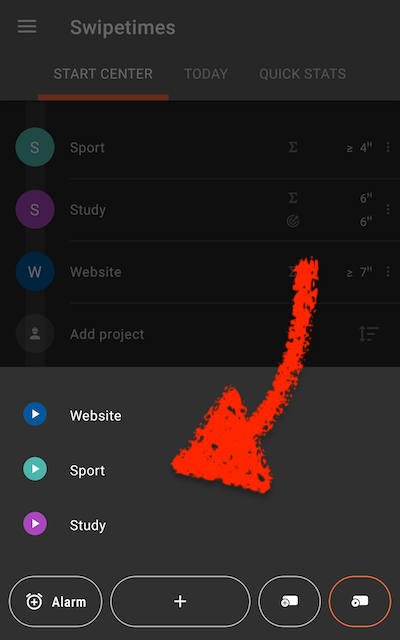
Quick access to the last records
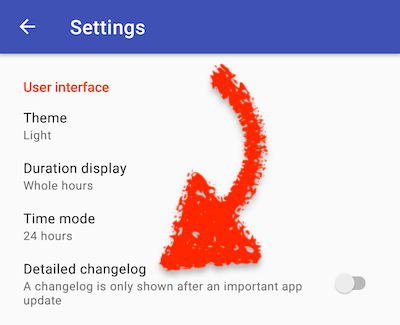
The changelog may be shown only for major updates
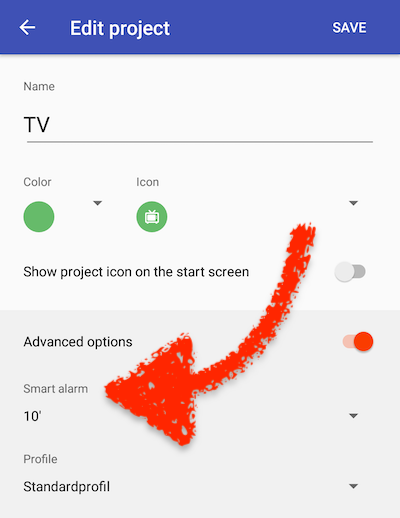
An alarm is automatically triggered when the duration of a running project record reaches the given value
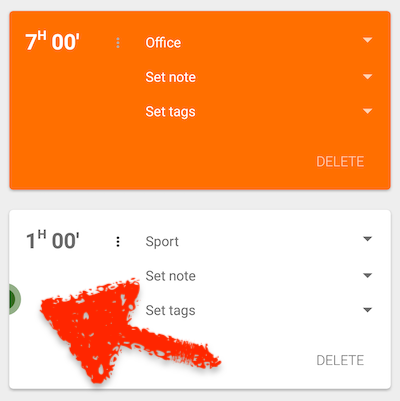
Records from other profiles than the current one are shown differently. They just have a small color marker.
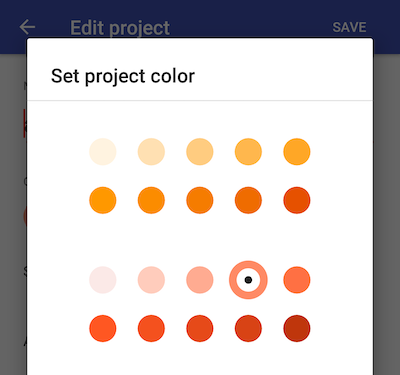
190 colors to choose from for projects and tags
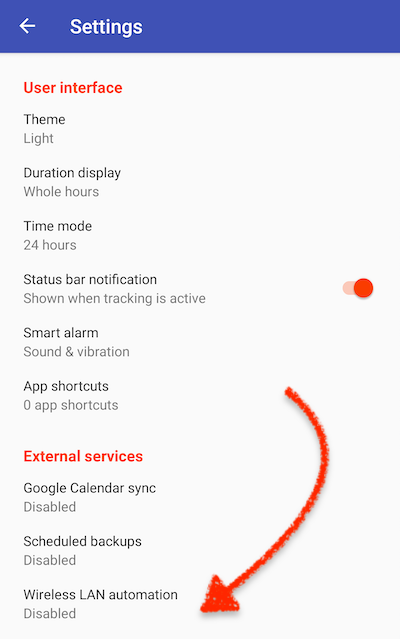
Automate your time tracking. Start the timer when your device connects to a WIFI network, stop it when disconnecting
Minor improvements to the timeline
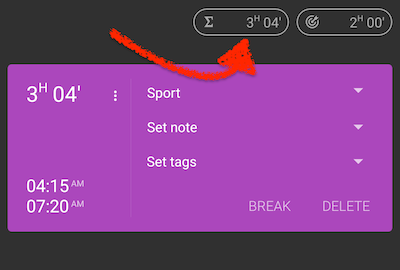
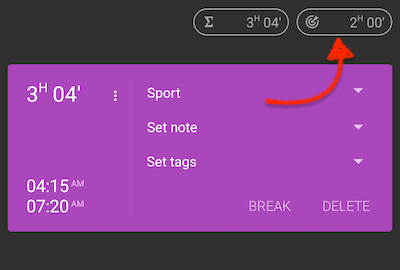
Time tracking settings have been centralized
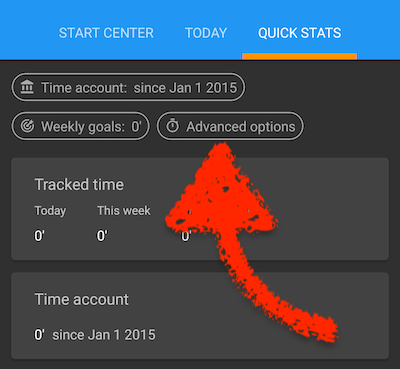
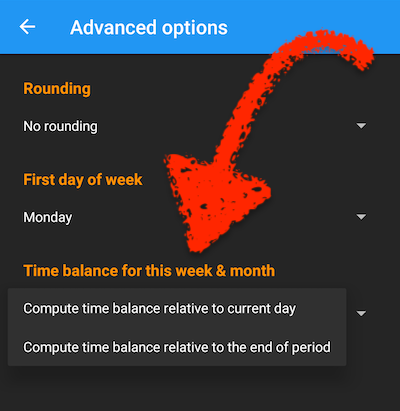
A new option for the the weekly and monthly time balances
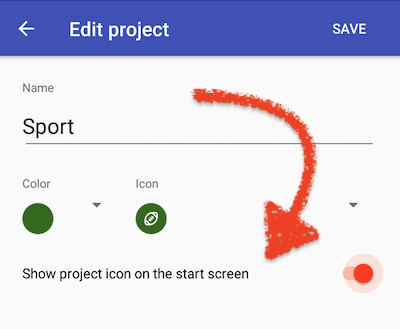
Projects can be pinned to home screen on Android 8.0+
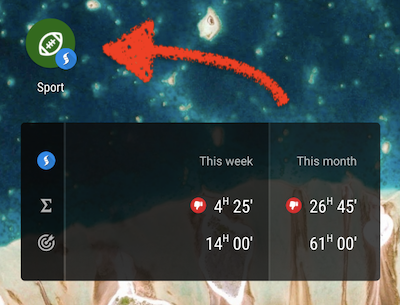
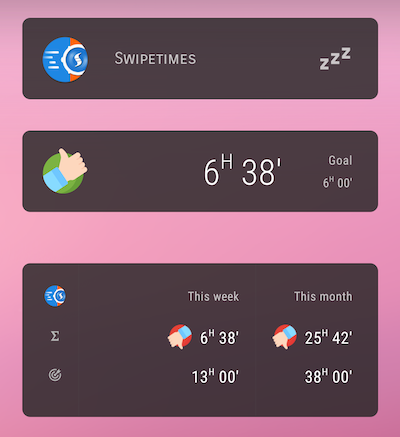
A new widget displaying tracked time vs. your goals
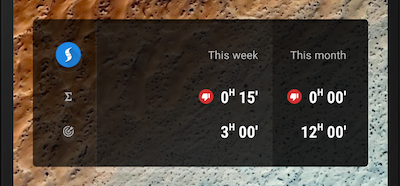
Small improvements in the quick stats
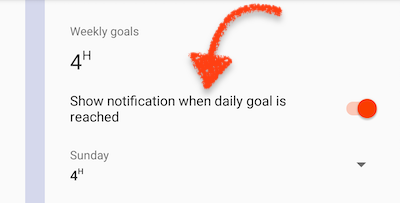
Notification when daily goal is reached
App shortcuts on Android Nougat+
Enhancements to the PDF summaries
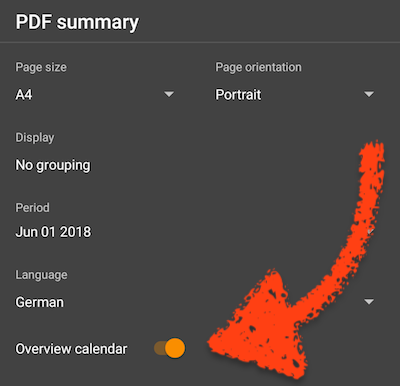
PDF summaries. That’s it
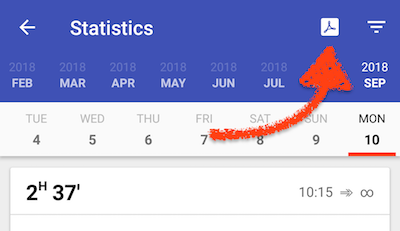
The time picker allows you to set the start time of a newly added record in direct adjacency to the previous record, so you can avoid time gaps
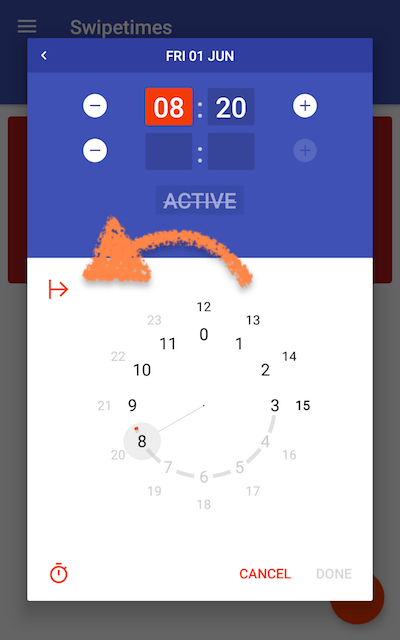
In this example, the start time was set to 08:20, as the day’s last record ended at 08:20. The ↦ button will only be shown if the day has at least one record.
The account for the backups can be changed
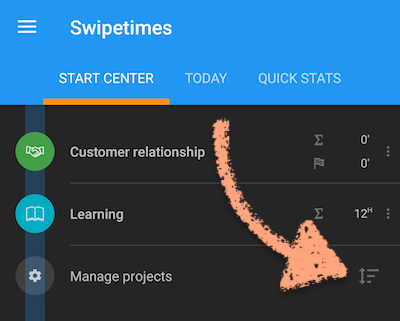
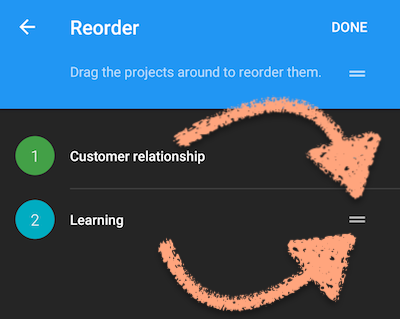
The projects from the start center can be reordered
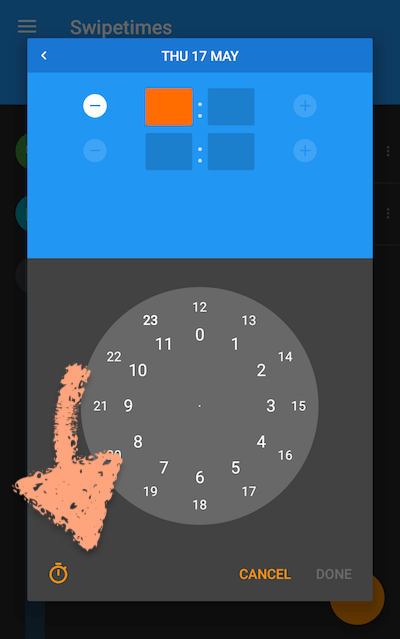
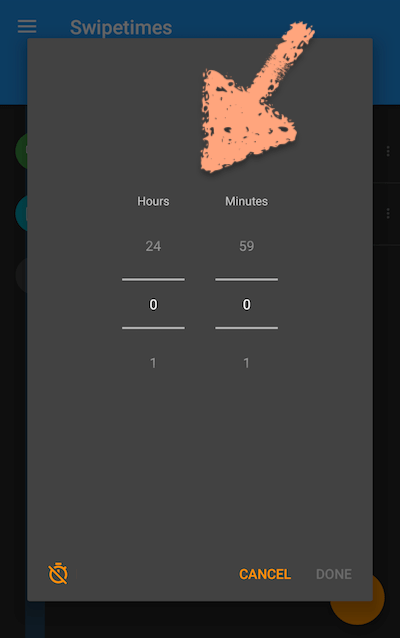
Added the ability to add duration-only records. As their name says, they do not have a start and end time
As always, some crashing bugs were fixed. And most probably no new crashing bugs added ;-)
The start date for the time account computation is also used in various statistics. More explanations in the screenshots below
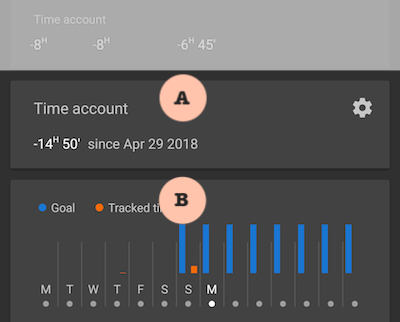
A. The daily target (in this example 8 hours per day) goes into effect on April 29, a sunday. Time account is also computed starting with this date.
B. The small two-weeks chart displays the daily target (the blue lines) starting with April 29. The same applies for the detailed statistics (not shown here).